
Automatic Face Blur in Street Video
Follow visible faces in travel, vlog, and public-space footage without drawing a blur box on every frame.
Blur Face in Video is an online tool that follows faces as people move, turn, or cross the frame. Hide every visible face or describe one person, then compare blur, pixelate, and mosaic before you export.
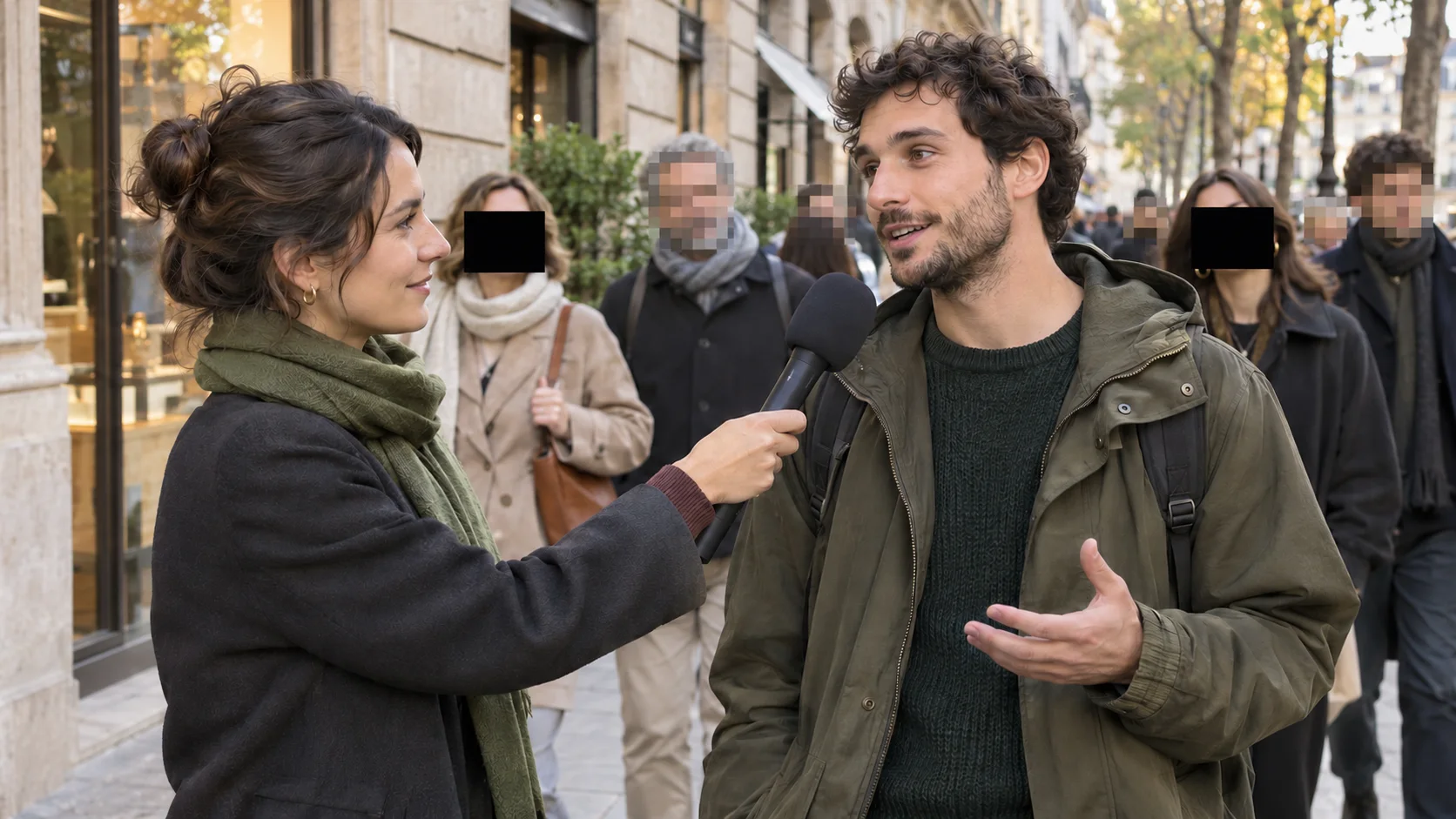
Automatic face blur finds visible faces and follows them across a moving video, keeping blur, pixelation, or mosaic attached as people walk, turn, or the camera moves.
Use it to anonymize bystanders in street and travel clips, protect students in school footage, hide a source in an interview, or prepare CCTV and workplace video for limited sharing. You can hide every visible face or describe one specific person, then play the processed range to check the tracking before download.
Pick the example closest to your footage and the generator opens with the matching face selection and effect.
Follow visible faces in travel, vlog, and public-space footage without drawing a blur box on every frame.
Pixelate students and participants in lessons, workshops, and study recordings so the privacy effect is obvious.
Describe one person to hide a colleague, interviewee, or source while everyone else stays visible.
Redact every face with a bold mosaic before you share meeting, workplace, research, or incident footage.
A static blur box slips off a face the moment someone moves. Blur Face in Video finds each face, follows it across frames, and lets you check the result before you export.
Keep the privacy effect attached while a person walks, turns, or crosses the frame.
Anonymize everyone in crowds, events, and public footage with a single setting.
Describe the person, such as “person in the green jacket,” and only that face is blurred.
Play the processed result and confirm the blur follows every face before you download.
Switch between blur, pixelate, and mosaic, or change the effect strength, after tracking finishes.
See the clip length and exact credit cost before a paid job starts.
Protect identities while preserving the context, motion, and audio that make the footage useful.
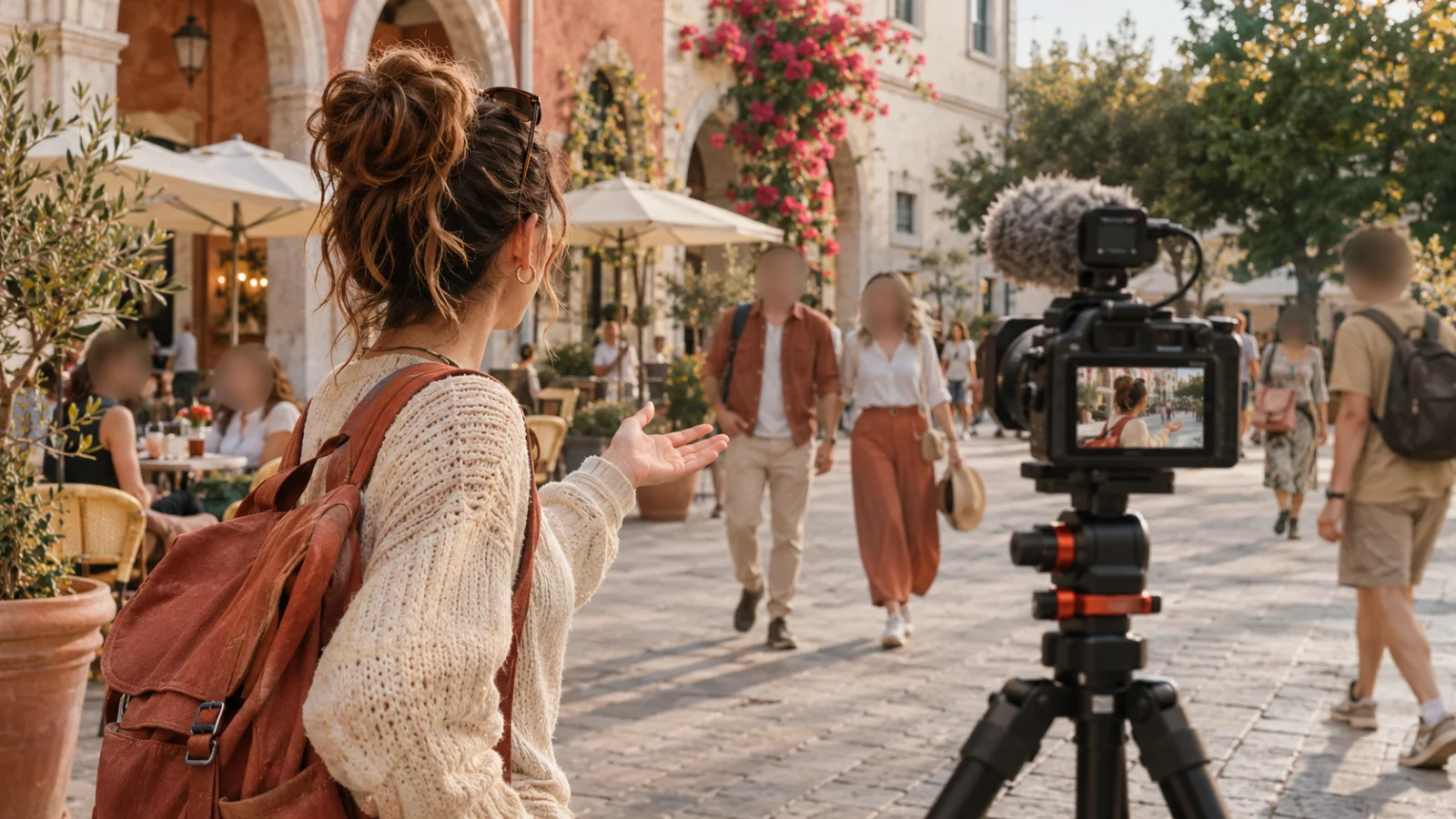
Anonymize people who appear in the background of vlogs, travel clips, and public event recordings.
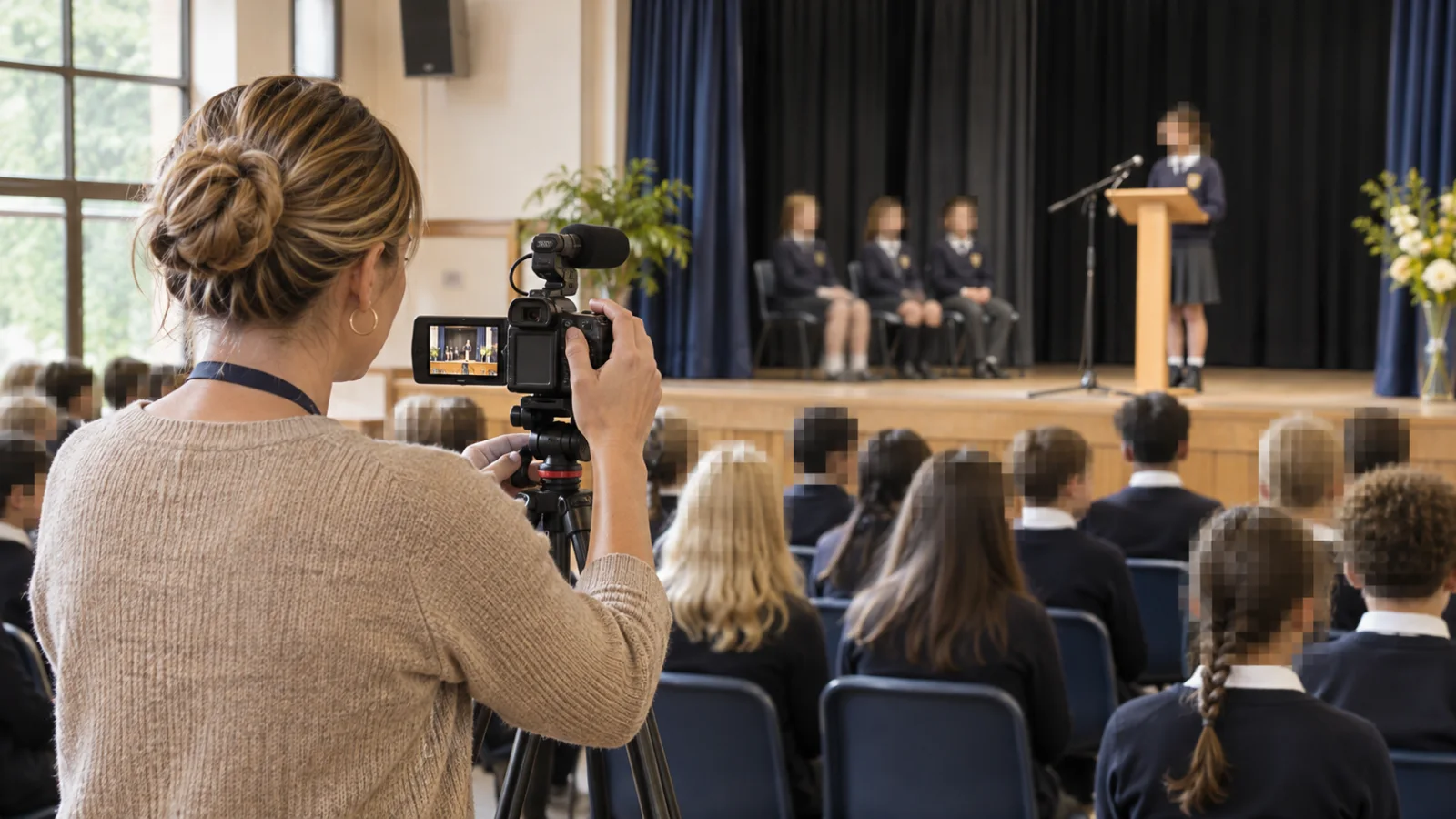
Prepare performances, assemblies, and activity footage for safer sharing with families or the public.
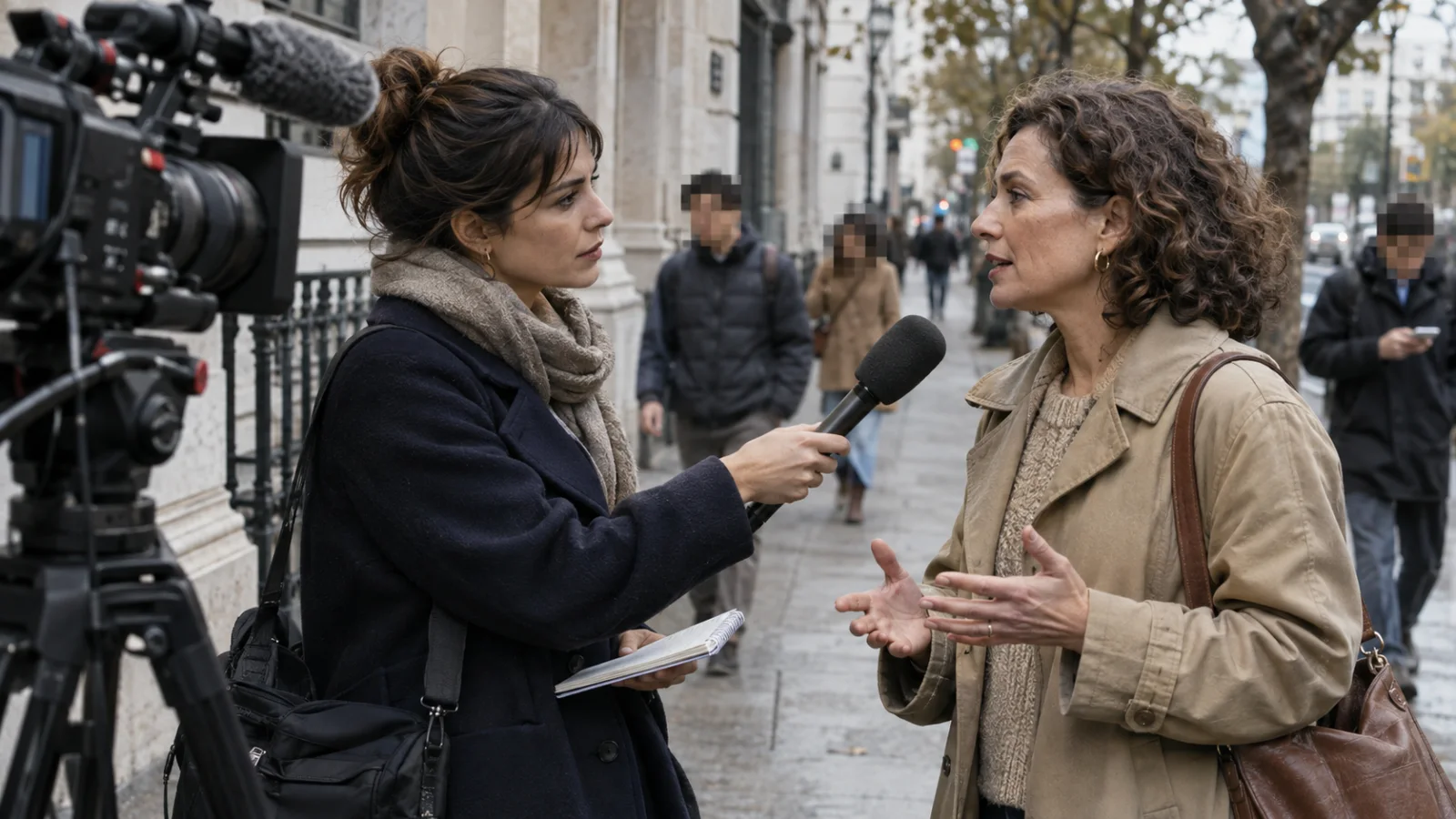
Protect a source, witness, participant, or unrelated bystander while keeping the scene understandable.
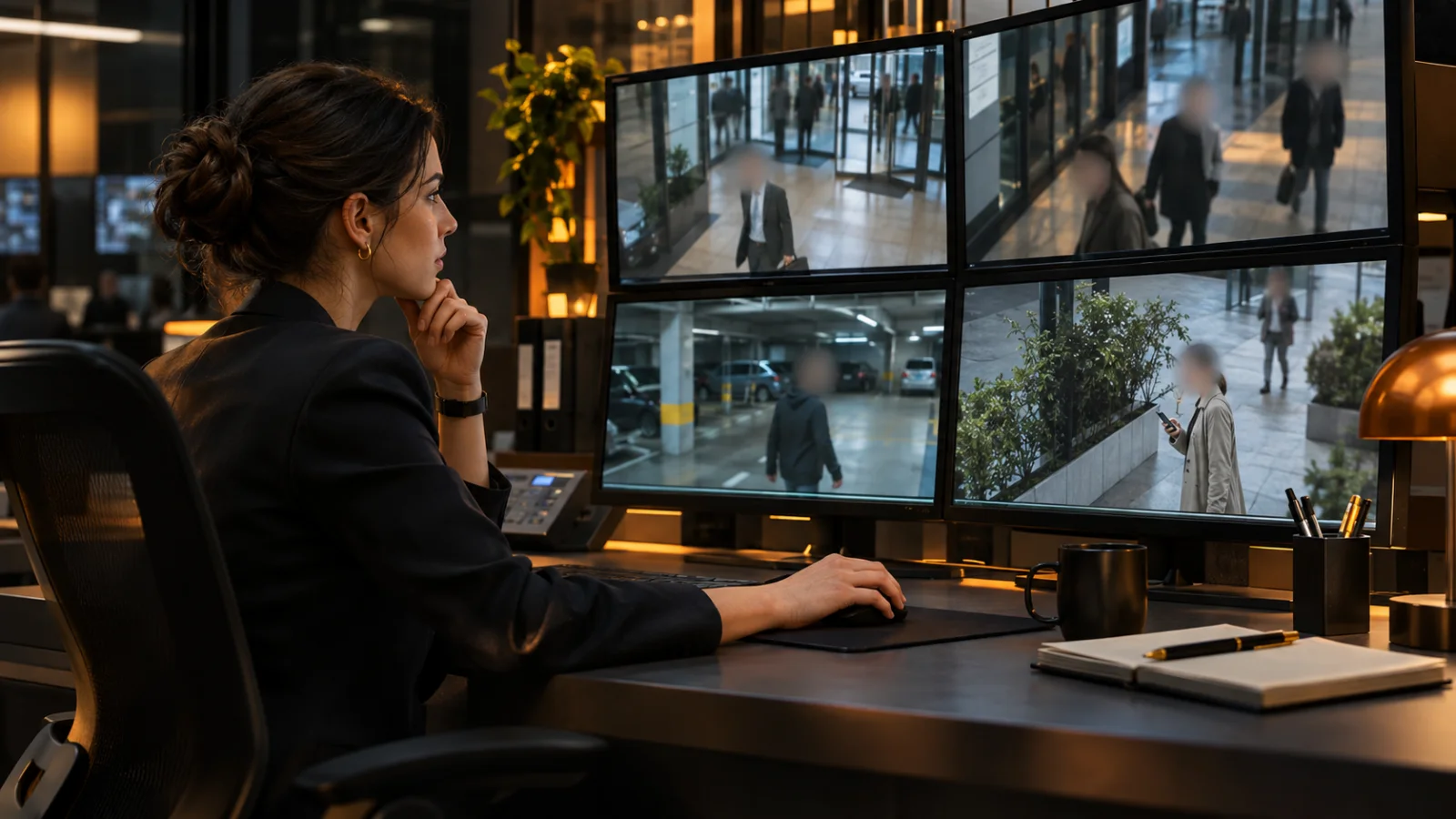
Redact identities in CCTV, incident, workplace, or evidence footage before it is shared outside the authorized team.
Upload a clip, choose every face or describe one person, then inspect the tracked result before downloading.
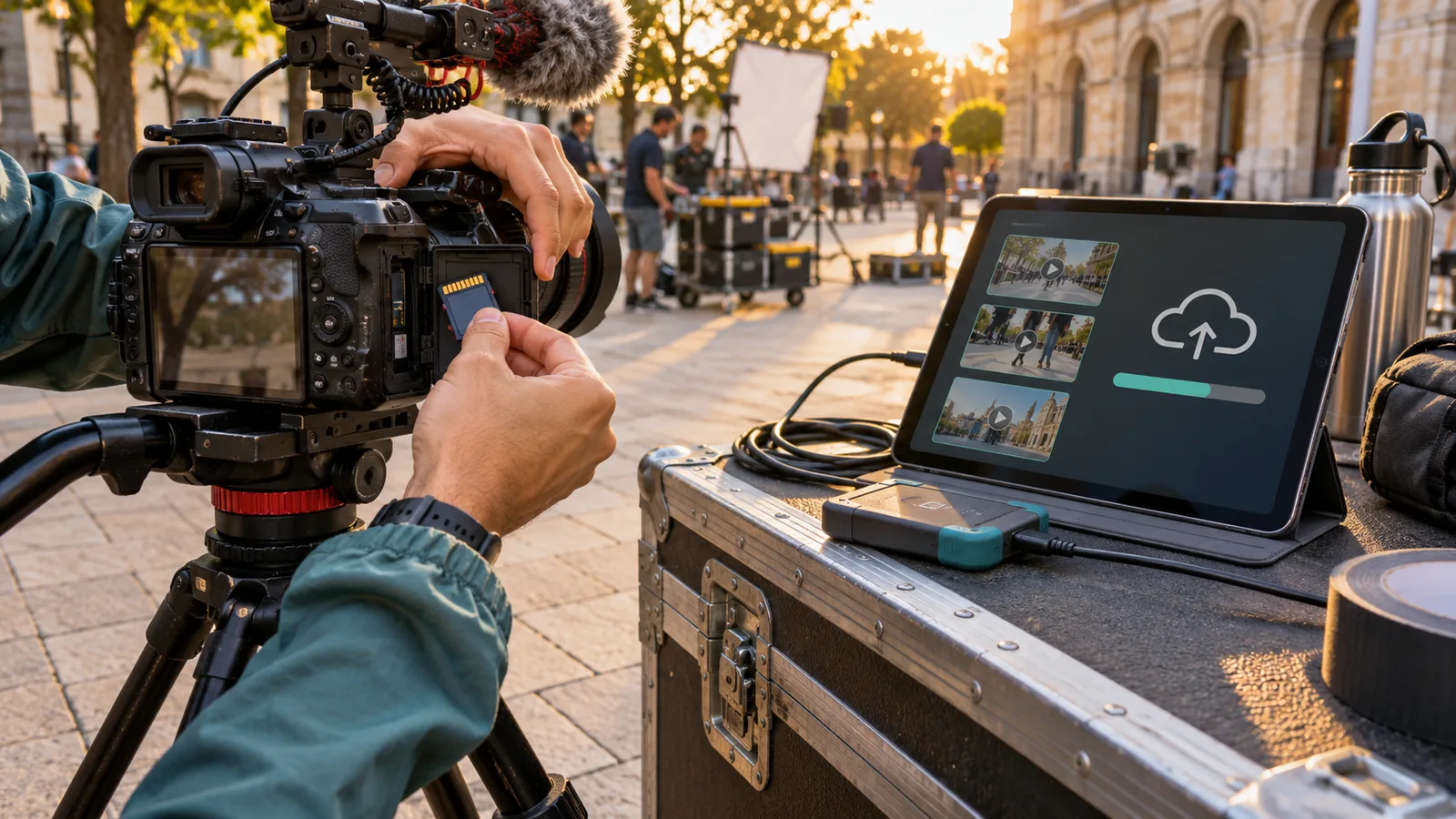
Add an MP4, MOV, or WebM up to 100 MB and 10 minutes, then select the exact part you want to process.
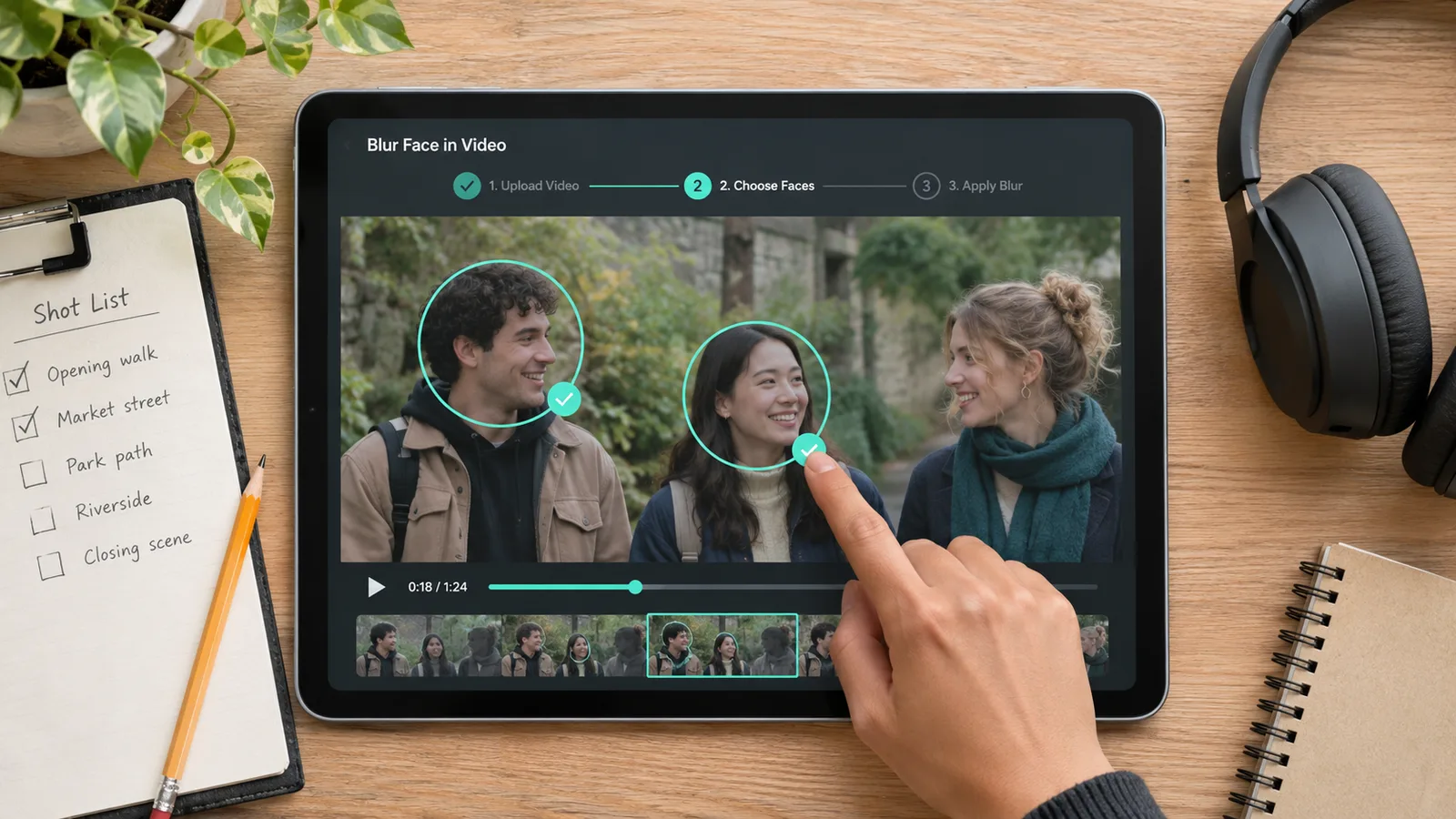
Blur every visible face automatically, or describe one person with a short detail such as their clothing.
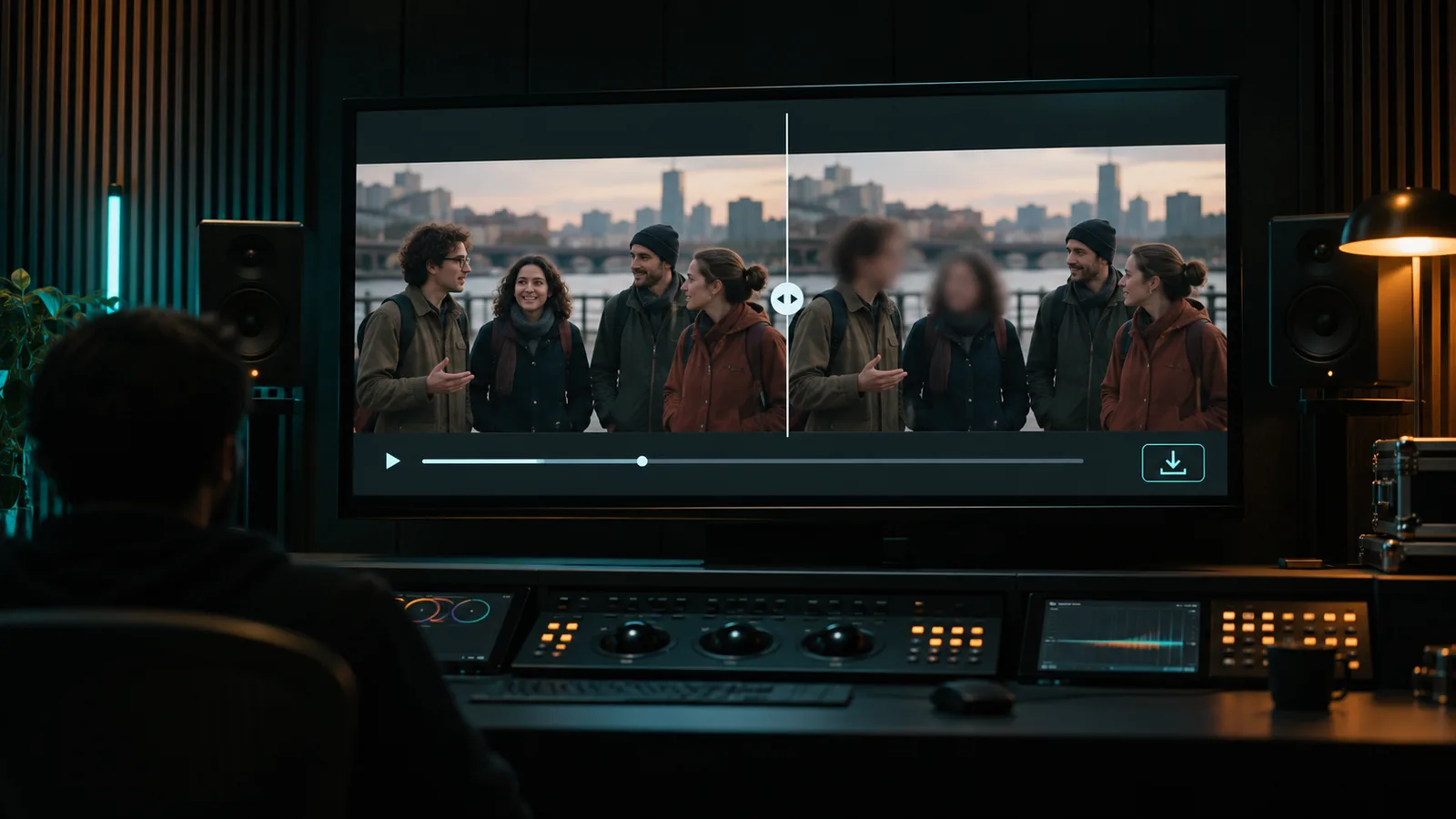
Check the tracking, adjust the effect style or strength, then download a WebM or MP4 if your browser supports it.
Once a face is found, the blur follows it as people walk, turn, or the camera moves. No frame-by-frame blur boxes.
Upload videoHide every visible face in one pass, or describe one person to blur only them while everyone else stays visible.
Upload videoSwitch the privacy effect or adjust its strength after tracking finishes, without uploading the clip again.
Upload videoBuy credits once with no subscription or recurring charge. See the exact cost before processing, choose any clip range or the full video, and export a supported WebM, MOV, MP4, or GIF. Larger packs lower your cost per minute.
Pay-as-you-go credits never expire
≈ 1.4–3.3 min · 1,200 credits
$3–$6.99/min · varies by model
Included in every pack
≈ 7.1–16.7 min · 6,000 credits
$1.8–$4.2/min · varies by model
Included in every pack
≈ 21.4–50 min · 18,000 credits
$1.6–$3.73/min · varies by model
Included in every pack
Tools
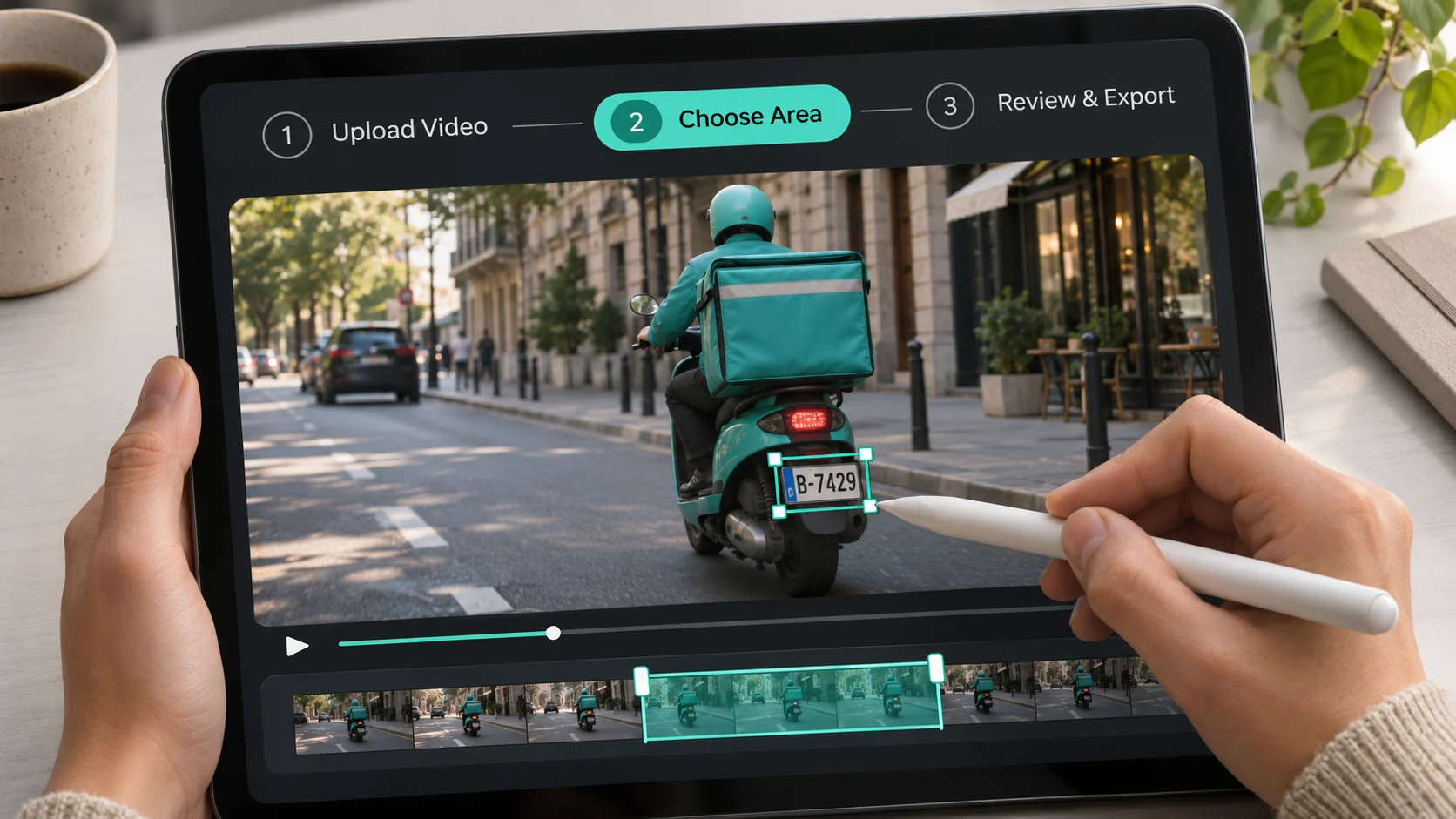 Blur Part of VideoTrack and blur one specific face, plate, text area, label, or object
 Censor VideoTrack and censor faces, plates, screens, labels, and moving objects
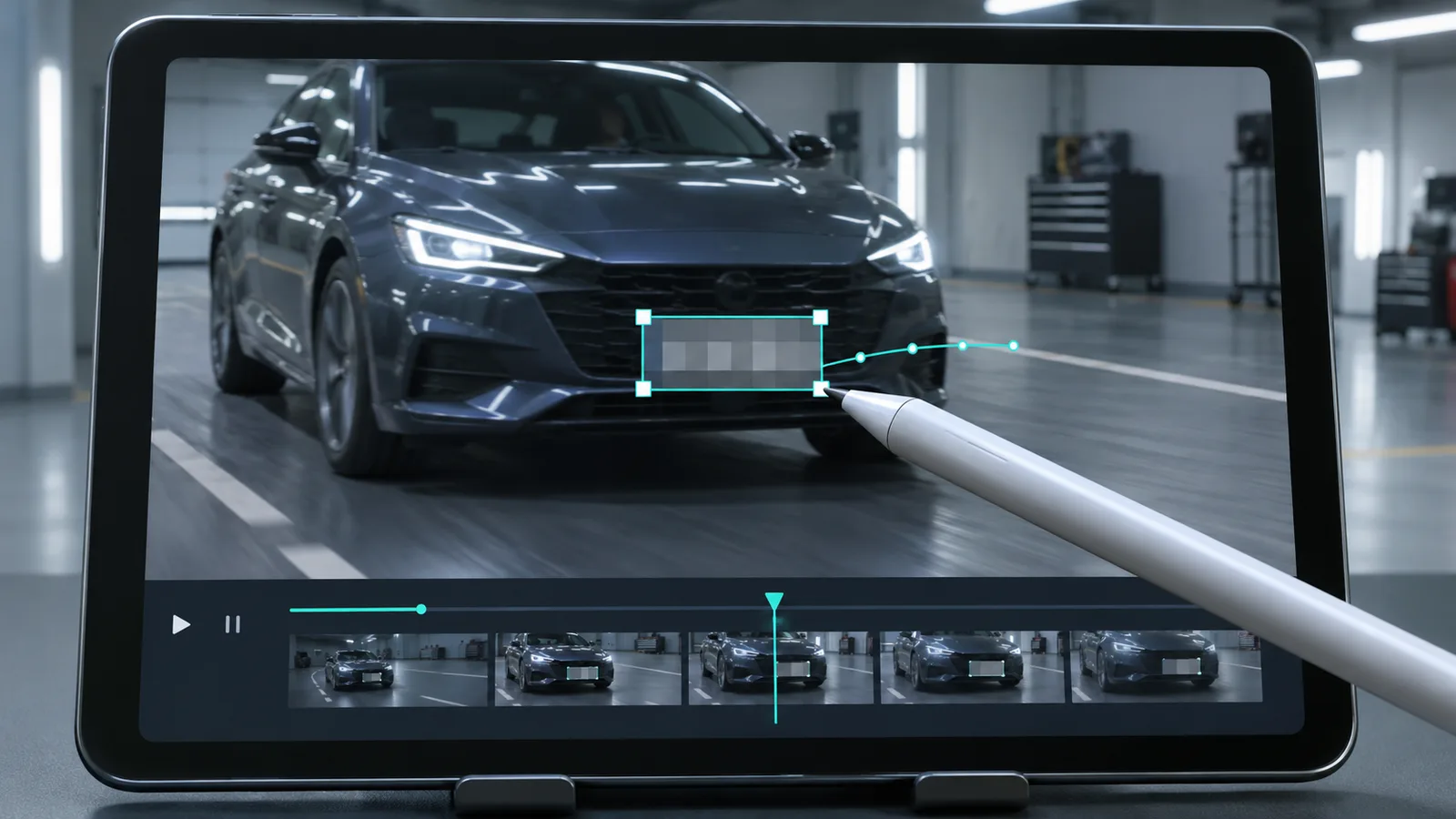 Pixelate VideoTrack and pixelate faces, plates, screens, labels, and moving objects
 AI Video BlurBlur faces, license plates, backgrounds, and moving objects
Answers about automatic face tracking, one-person targeting, privacy effects, free previews, downloads, and processing limits.
Upload your video and choose Every visible face or One specific person. The tracker follows each selected face as people walk, turn, or cross the frame. Fast motion, blocked faces, and poor lighting can still cause misses, so play the preview and check the whole selected range before downloading.
Upload your clip, choose every visible face or one specific person, and check the automatic tracking before export.
Blur Face in Video Now