
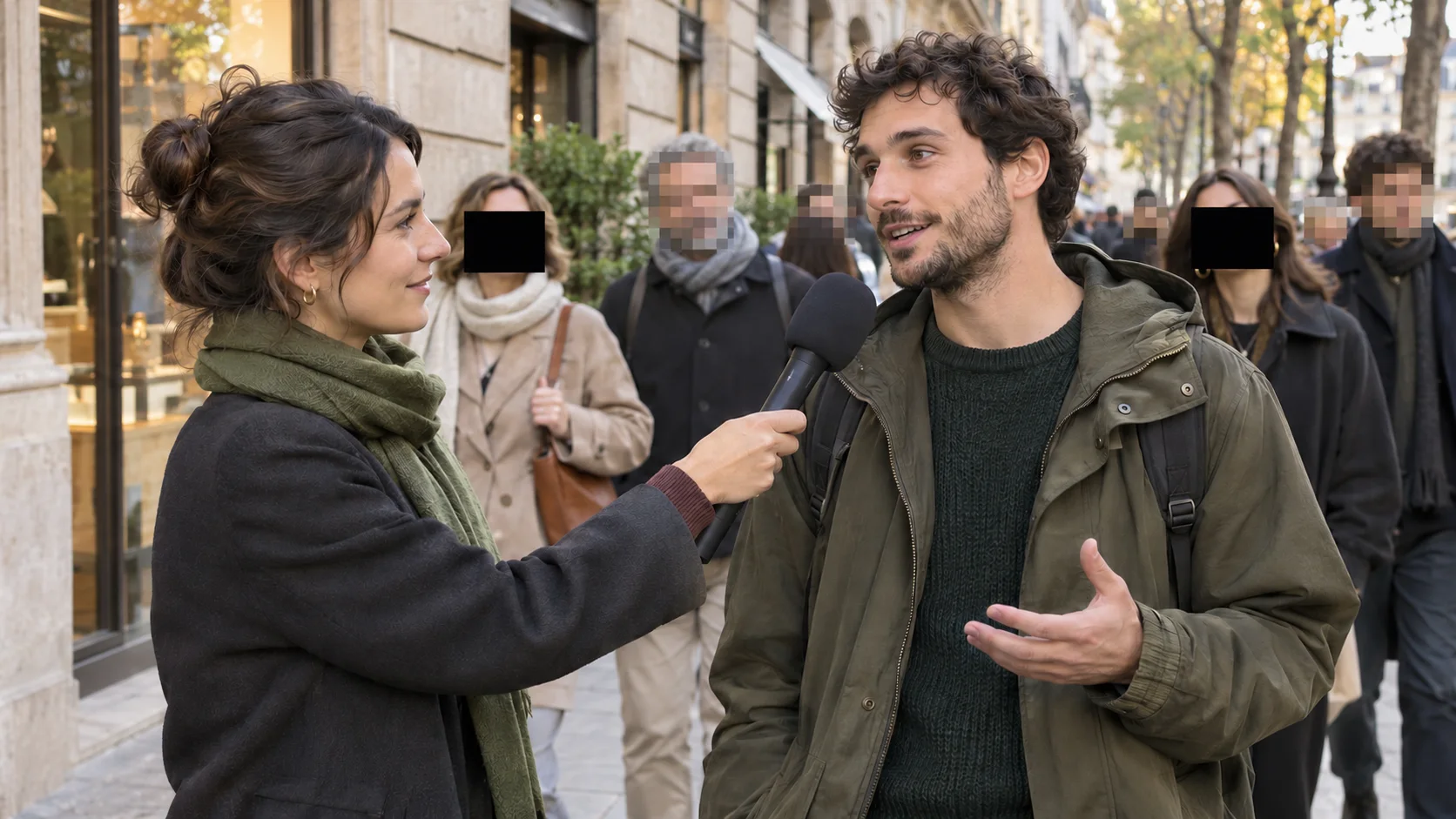
Pixelate Faces in a Crowd
Cover visible faces in interviews, events, and street footage while the rest of the scene stays clear.
Pixelate video online in your browser. Upload a clip, choose faces, license plates, screens, labels, or a moving object, and review the tracked pixels before you export.
Video pixelation replaces detail inside a tracked area with visible square blocks and keeps that effect attached to the selected face, plate, screen, label, background, or object as it moves.
Use it when the censorship should be obvious, such as anonymizing people in public or school footage, hiding license plates in dashcam video, or covering private screen and shipping-label details. Select a preset or describe one target, adjust the pixel strength after tracking, and review the clip before download.
See real pixelate video results for common privacy tasks, then pick the same target in the generator and check that it stays covered as it moves.
Cover visible faces in interviews, events, and street footage while the rest of the scene stays clear.
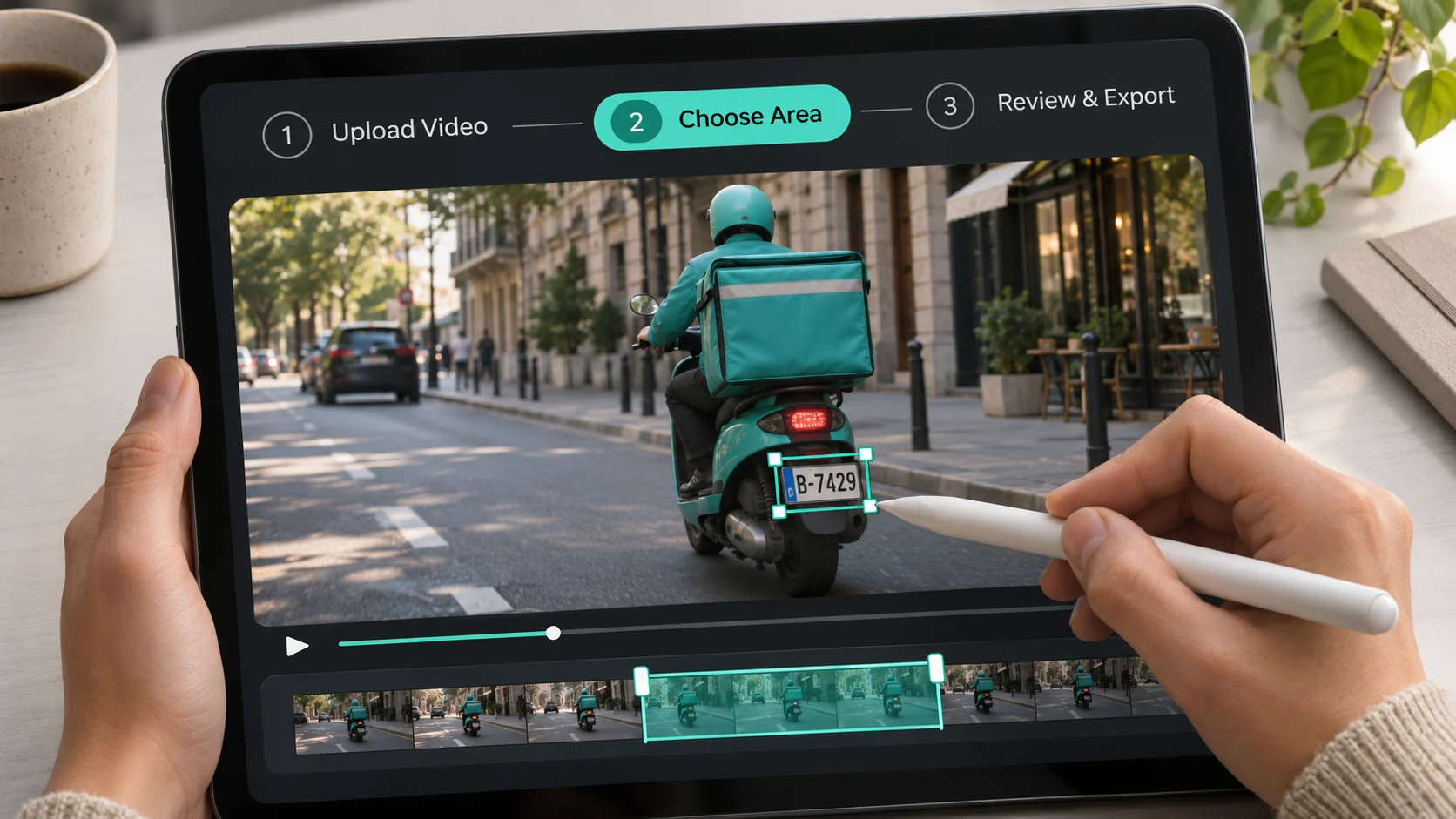
Keep a plate unreadable as the vehicle moves through dashcam, property, or public-record footage.
Hide customer data, account fields, dashboards, and unreleased product details in recorded tutorials.
Protect names, addresses, and tracking details while keeping the product and unboxing story visible.
Choose the private detail once, follow it through the selected clip, and check the pixelated video before you unlock the final download.
Cover visible faces through interviews, crowds, and street footage as people turn, walk, or move across the frame.
Keep a visible plate unreadable while a vehicle approaches or changes position, without drawing a new censor box on every frame.
Protect dashboards, customer records, documents, addresses, packaging, and other readable details in recorded tutorials or product videos.
Describe a target such as “person in the green jacket” when you need to pixelate one subject instead of every detected face.
Raise or lower pixel strength while you review the result, so sensitive details stay hidden without covering more of the frame than needed.
Play the tracked result, compare Pixelate with Mosaic or Blur, and confirm the target remains covered before downloading.
Protect the people and details that should not be public without losing the context that makes the footage useful.
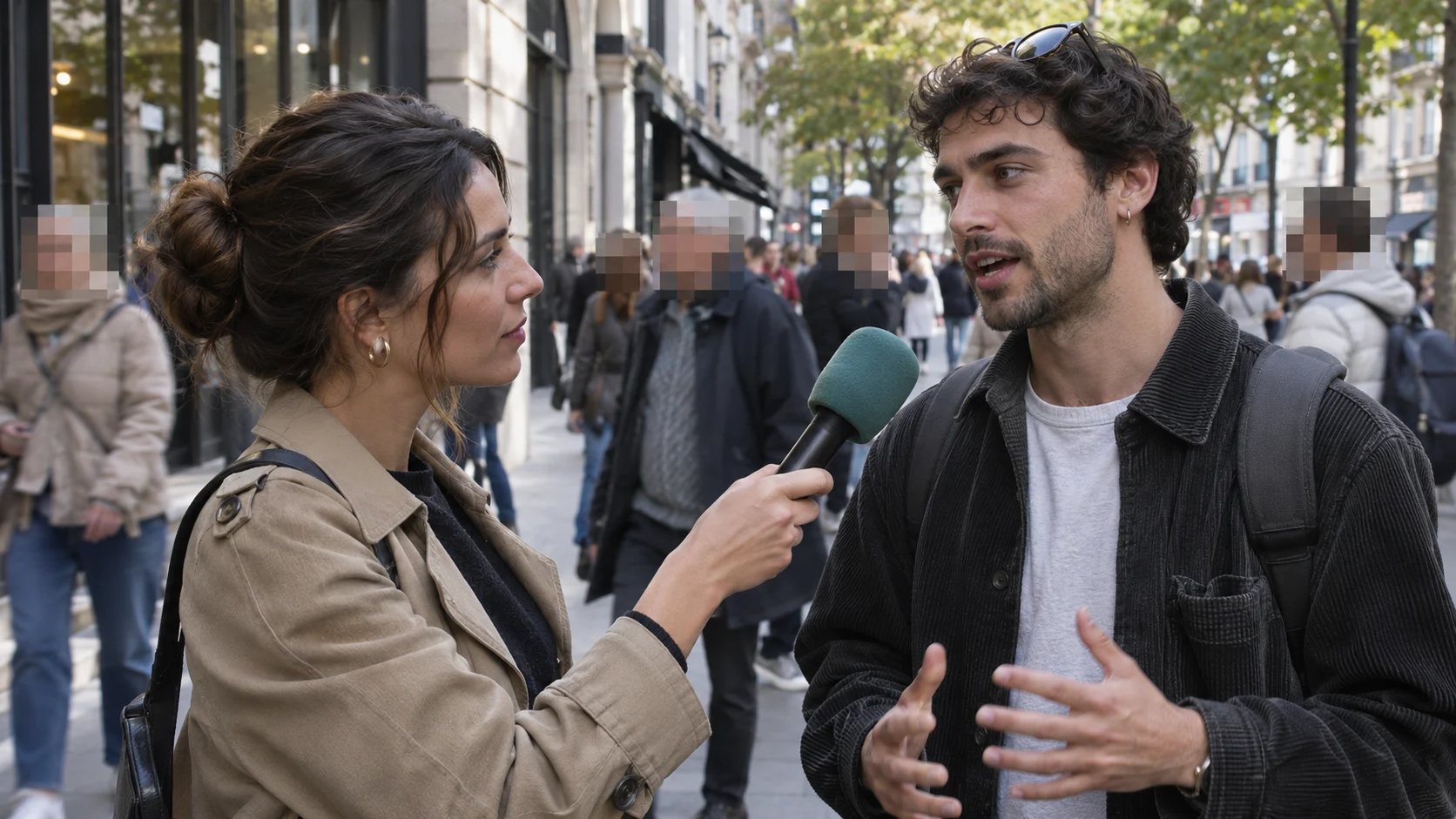
Protect sources and bystanders while the consenting speaker and surrounding context remain visible.

Anonymize students and attendees before event, classroom, or outreach footage is shared.
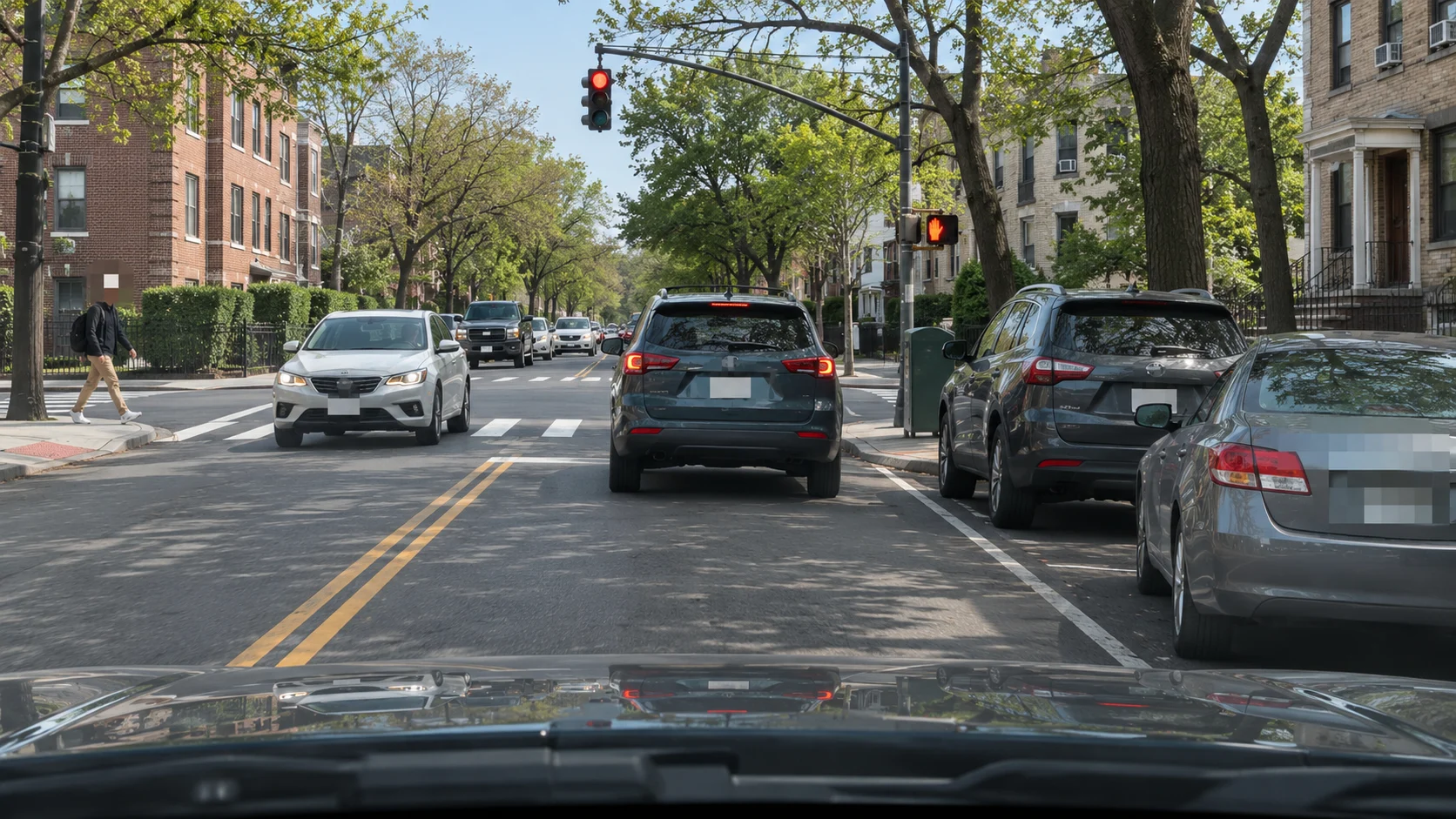
Cover plates, passers-by, and identifying street details before footage leaves the camera roll or case file.
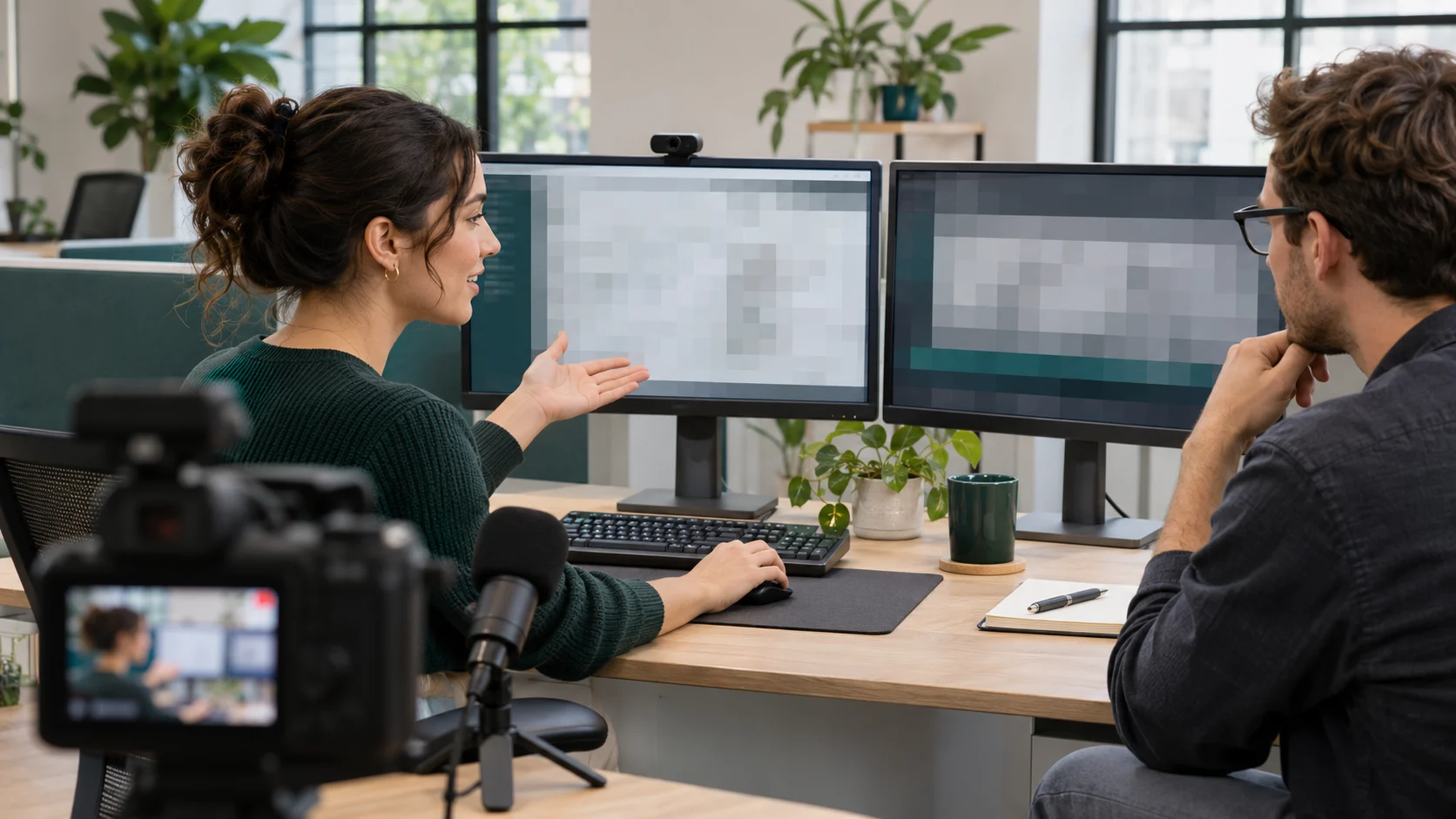
Hide customer data, internal dashboards, account details, and unreleased features in recorded walkthroughs.
Upload a clip, select the moving detail to protect, then generate and review the tracked pixels before you export.
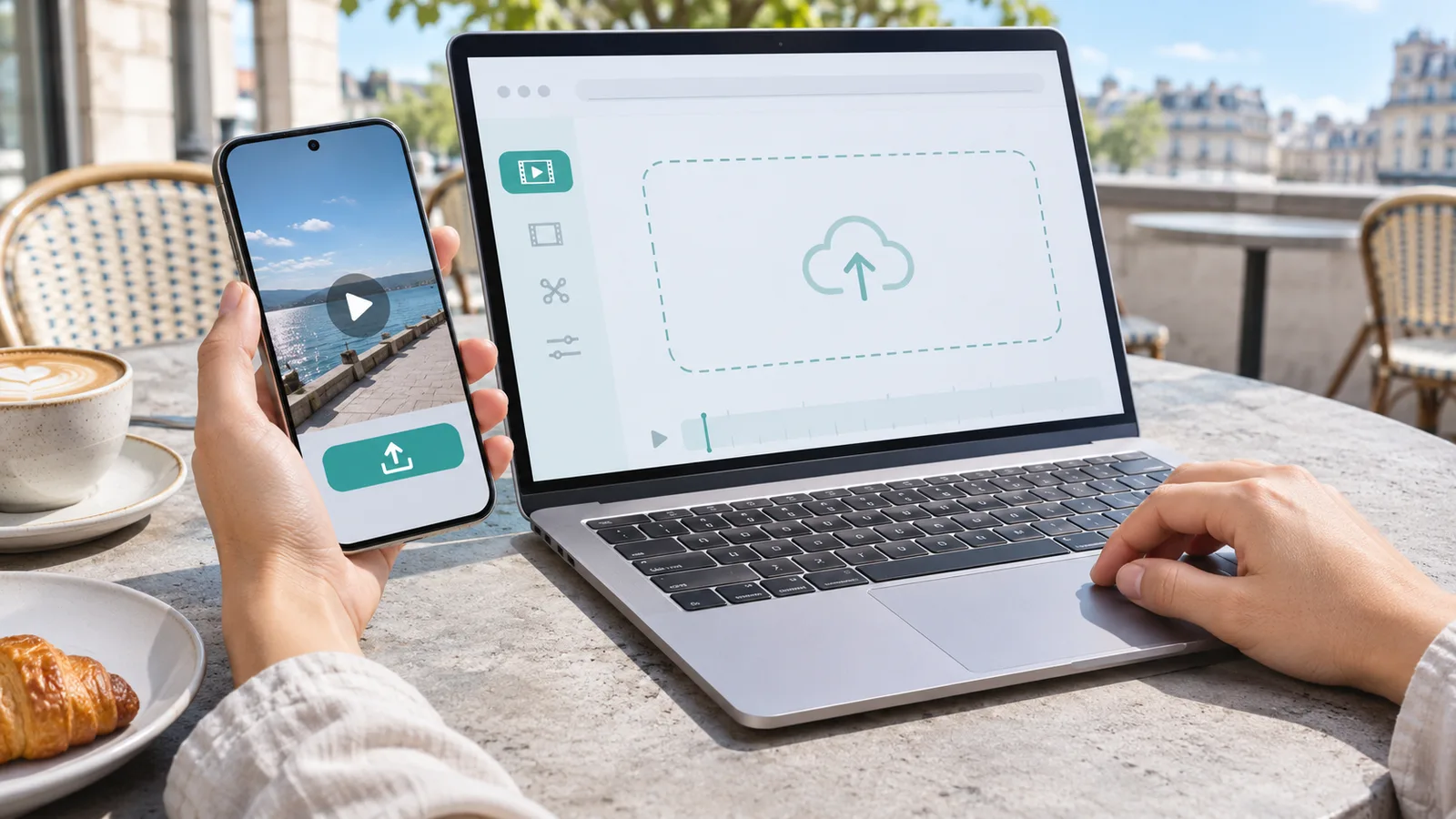
Choose an MP4, MOV, or WebM up to 100 MB and 10 minutes. Select the five-second preview or the exact clip range you want to process.
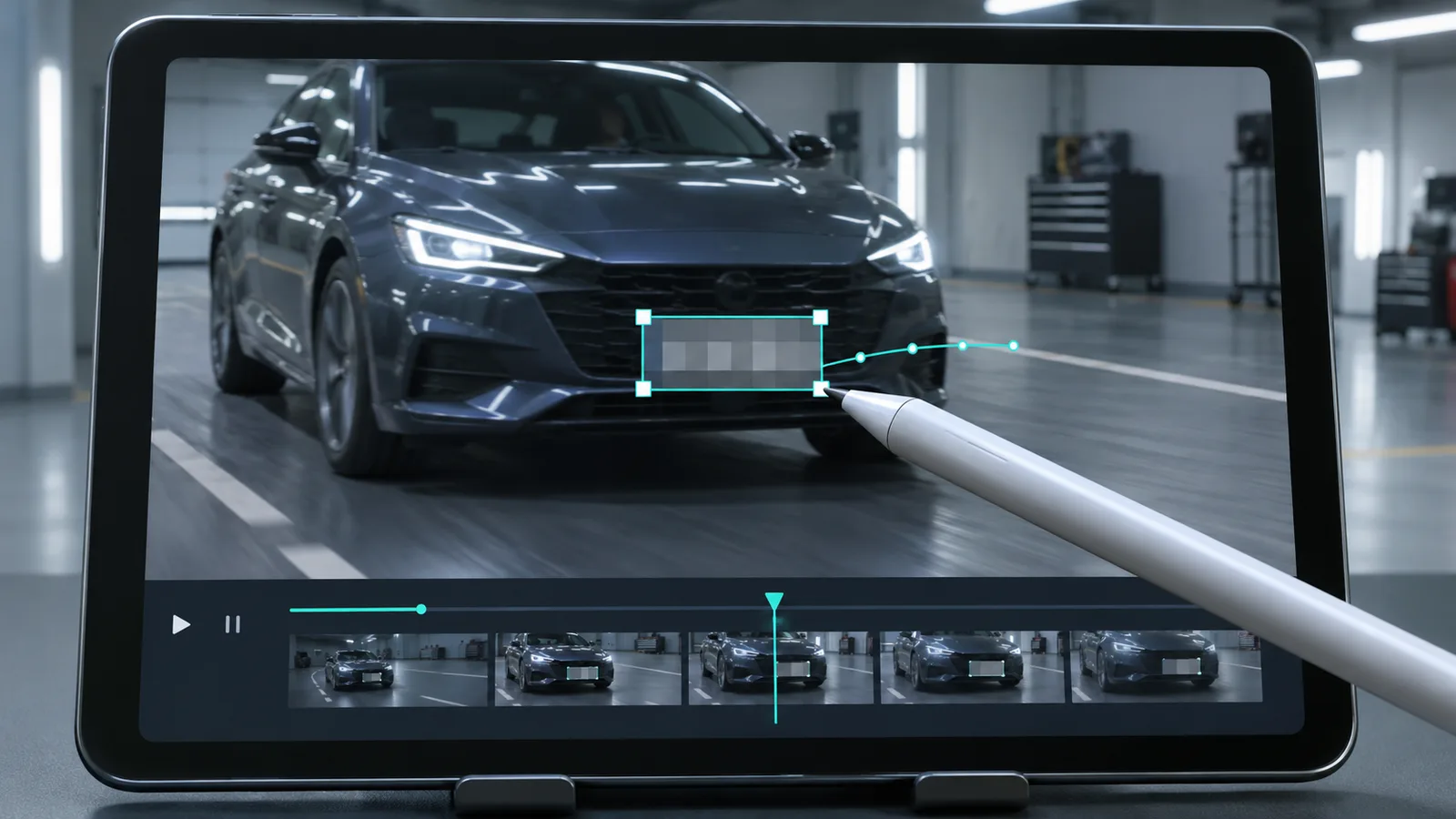
Pick faces, license plates, background, screens and labels, or describe one specific person or object.
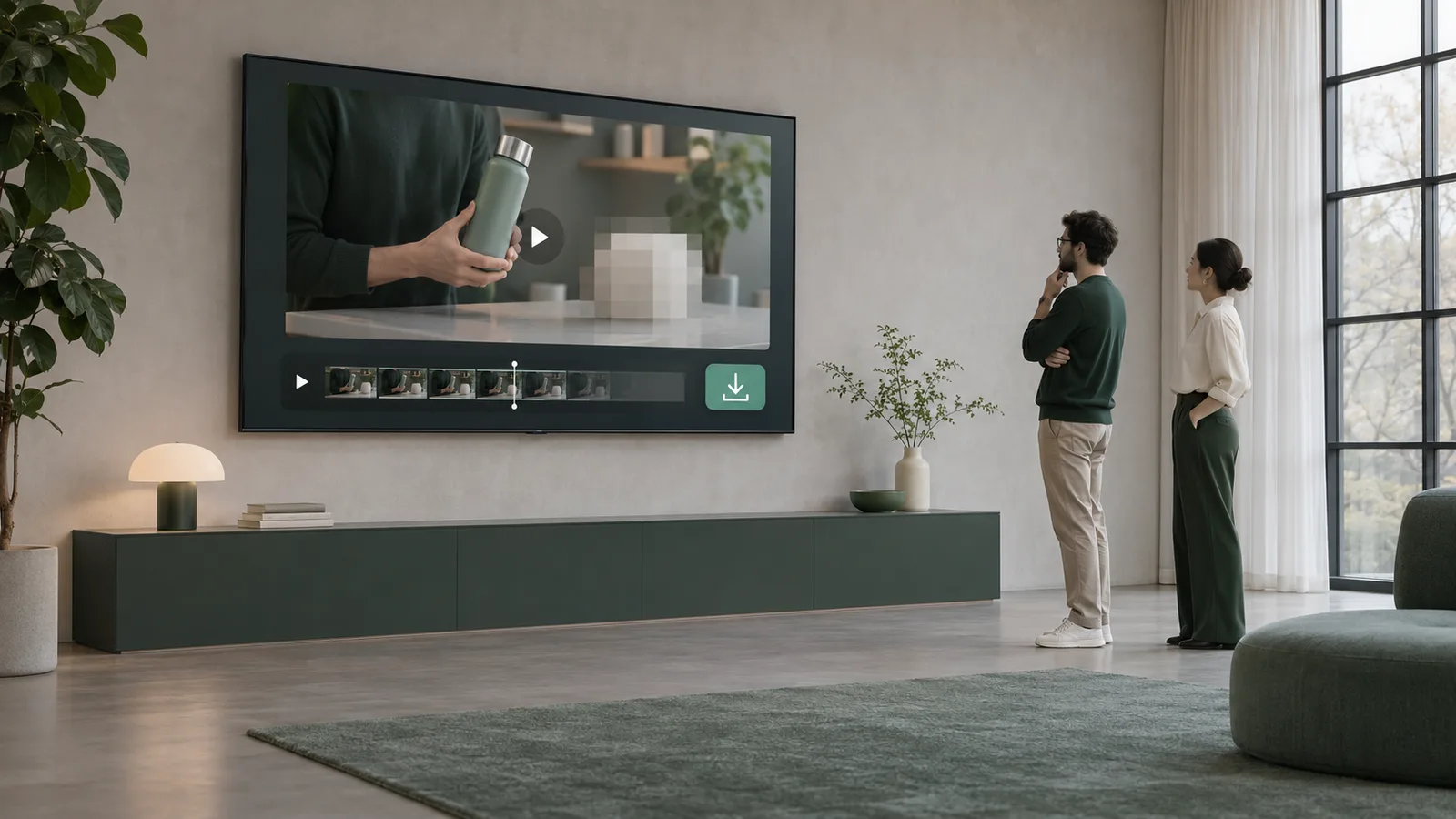
Check that the pixels follow the target, adjust the strength, then download a WebM or MP4 if your browser supports it.
Choose a face, plate, screen, or object and the square-pixel effect follows it through the selected clip.
Upload videoUse a preset for common privacy targets or describe one object in plain language, then inspect the result before export.
Upload videoMake the blocks lighter or stronger after tracking finishes. Compare Blur or Mosaic without re-uploading the video.
Upload videoBuy credits once with no subscription or recurring charge. See the exact cost before processing, choose any clip range or the full video, and export a supported WebM, MOV, MP4, or GIF. Larger packs lower your cost per minute.
Pay-as-you-go credits never expire
≈ 1.4–3.3 min · 1,200 credits
$3–$6.99/min · varies by model
Included in every pack
≈ 7.1–16.7 min · 6,000 credits
$1.8–$4.2/min · varies by model
Included in every pack
≈ 21.4–50 min · 18,000 credits
$1.6–$3.73/min · varies by model
Included in every pack
Tools
 Censor VideoTrack and censor faces, plates, screens, labels, and moving objects
 Blur Part of VideoTrack and blur one specific face, plate, text area, label, or object
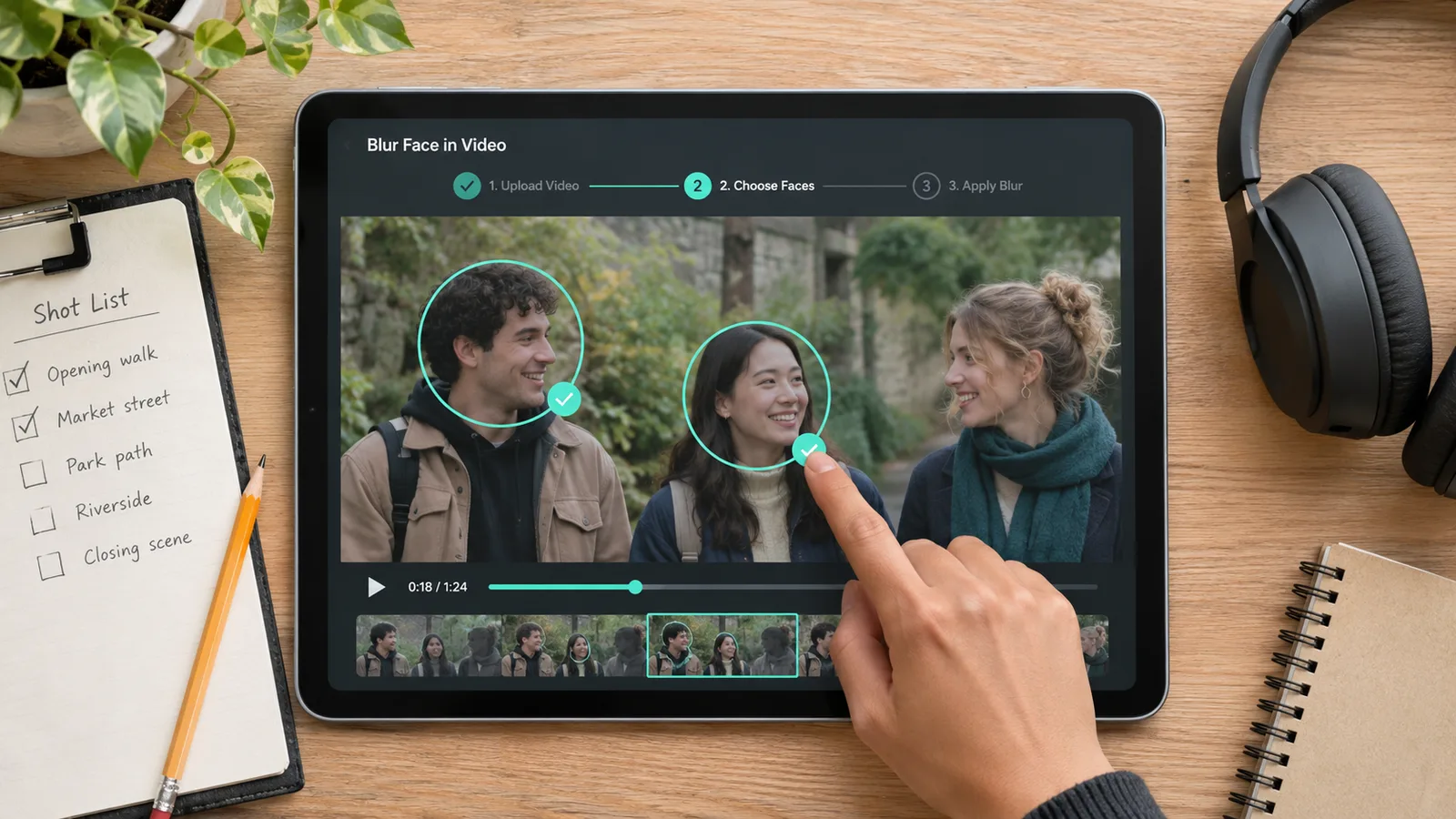 Blur Face in VideoAutomatically track and blur every face or one specific person
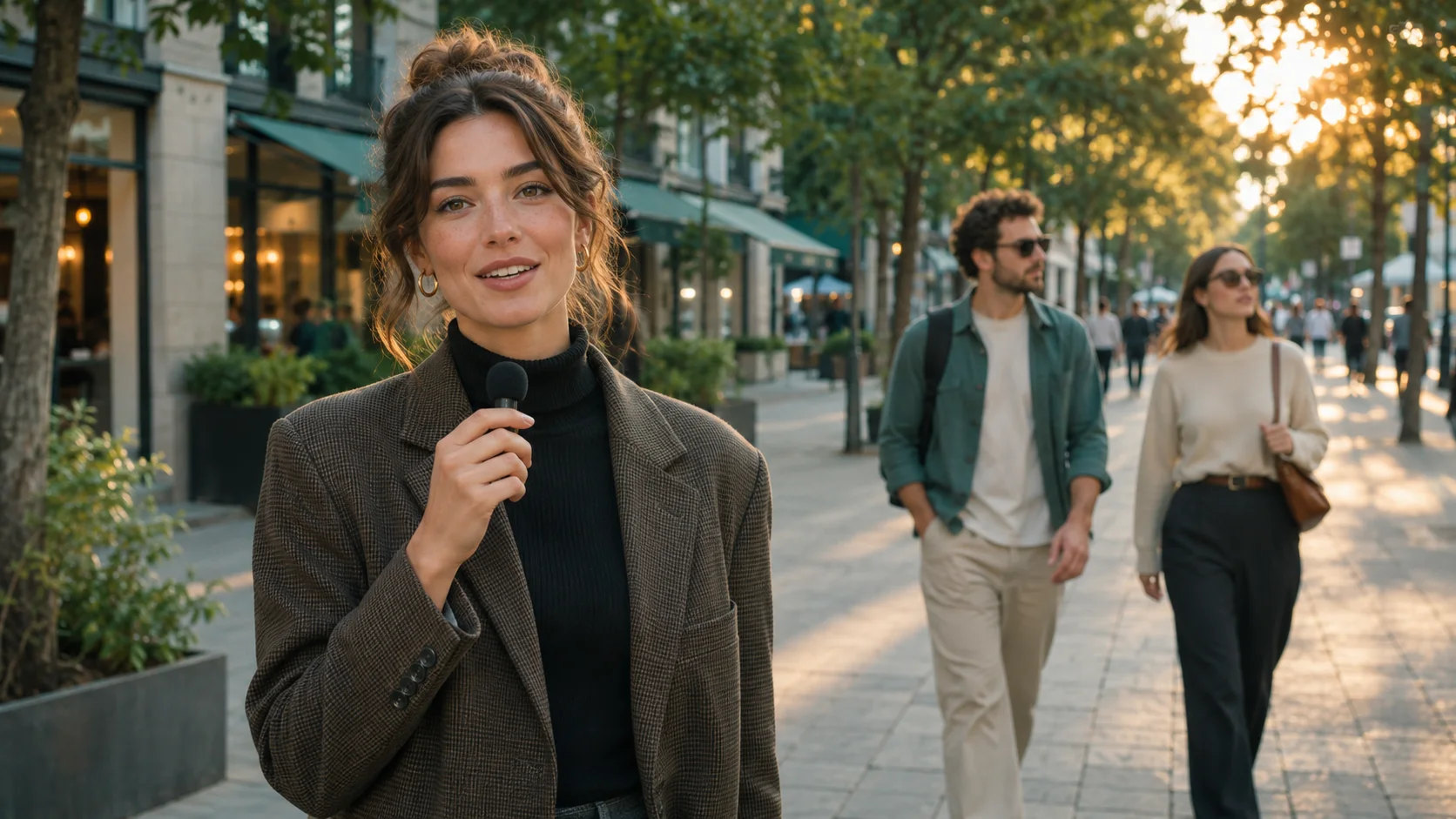 AI Video BlurBlur faces, license plates, backgrounds, and moving objects
Answers about moving targets, faces, clip ranges, iPhone use, privacy effects, credits, and what pixelation can and cannot do.
To pixelate a video online, upload an MP4, MOV, or WebM and select your clip range. Choose Faces, License plates, Screens & labels, Background, or Any object, generate the tracked result, check that the target stays covered, adjust pixel strength, and download a supported format.
Upload a compatible clip, choose the moving target, review the tracked square pixels, and see the exact processing cost before export.
Pixelate Video Now