Remove BG Video logo
Remove BG Video
  • Pricing
Remove BG Video
Remove BG VideoRemove BG VideoRemove BG Video

Remove video backgrounds online

[email protected]

Tools

  • View all tools
  • Video Background Remover
  • AI Video Blur
  • Blur Face in Video
  • Blur Part of Video
  • Blur Video Background
  • Pixelate Video
  • Censor Video

Support

  • Guides
  • About Us
  • Pricing
  • Contact

© 2026 Remove BG Video. All rights reserved.

Privacy Policy
•Terms of Service
•Cookie Policy
  1. Home
  2. Tools
  3. Blur Video Background

Blur Video Background Online

Blur video background in any clip while AI keeps the main person sharp. It tracks the person in the foreground and blurs the background behind them, with no green screen or manual mask. Upload a video, set the blur strength, and preview the result before you export.

Automatic subject tracking5-second preview to startMP4, MOV & WebM
Background blur previewCompare the original and blurred background
OriginalBackground blurred
Drop a video here or choose a fileMP4, MOV, or WebM · Up to 100 MB and 10 minutes
01
Keep the subject clearThe main foreground person is tracked automatically.
02
Set the background blurChange the strength after subject tracking finishes.
Before you process0 credits for this clip

Only the selected clip is uploaded and charged. Free accounts can process one 5-second preview. Failed paid jobs return reserved credits.

What Is a Video Background Blur Tool?

A video background blur tool separates the main foreground subject from the scene and softens the area behind them across each frame, without requiring a green screen or a hand-drawn mask.

Use it for interviews, talking-head lessons, remote presentations, product demonstrations, and social clips when the person should stay clear but the room or location should be less distracting. Upload a supported clip, preview five seconds, adjust the blur strength, and inspect moving edges before export.

Background blur works best when the subject is clearly separated from the scene. Low contrast, motion blur, overlapping people, hair, and transparent objects can affect the edge quality.

Blurred Video Background Examples for Work and Social Media

Keep attention on the speaker while distracting rooms, crowds, and locations fall softly out of focus.

Talking-Head Videos

Soften a bedroom, office, or busy room while the presenter stays sharp.

Product Tutorials

Keep the host and product clear while reducing distracting shelves, screens, and equipment.

Interviews and Testimonials

Make a speaker stand out from the location without a green screen or a reshoot.

Vertical Social Clips

Turn a casual phone recording into a focused clip for Reels, Shorts, or TikTok.

Automatic background blur

Automatic Video Background Blur Without Manual Masks

Separate the main person from the scene, follow them through your clip, and blur everything behind them without editing a single frame.

Find the Main Person Without Drawing a Mask

The tool finds the person in the foreground for you, so you never trace hair, hands, or shoulders by hand.

Keep Moving Subjects Clear Across the Clip

The blur follows the speaker as they shift, gesture, or walk through the shot.

Match Blur Strength to the Scene

Pick a light soft-focus look or a stronger blur, all from the same tracked result.

Direct Attention to the Speaker

Hide distracting background detail so viewers look at the person, not the room.

Review Subject Edges Before Export

Play the processed clip and check hair, hands, and moving edges before you export.

Process on Desktop or Mobile

Upload and blur a video in a current browser, with no editing software to install.

Built for everyday footage

Video Blur for Creators, Interviews, and Product Demos

Use a blurred video background when the speaker or product matters more than the room or activity behind them.

Online educator in focus with a blurred home studio behind them

Creators and Educators

Give explainers, courses, and talking-head clips a cleaner, more focused look.

Product demonstration filmed with a focused presenter and blurred workspace

Product and Marketing Teams

Keep eyes on the presenter and product in demos, launches, and customer stories.

Interview participant sharply separated from a softly blurred public location

Interviewers and Recruiters

Tone down background clutter in interviews recorded outside a studio.
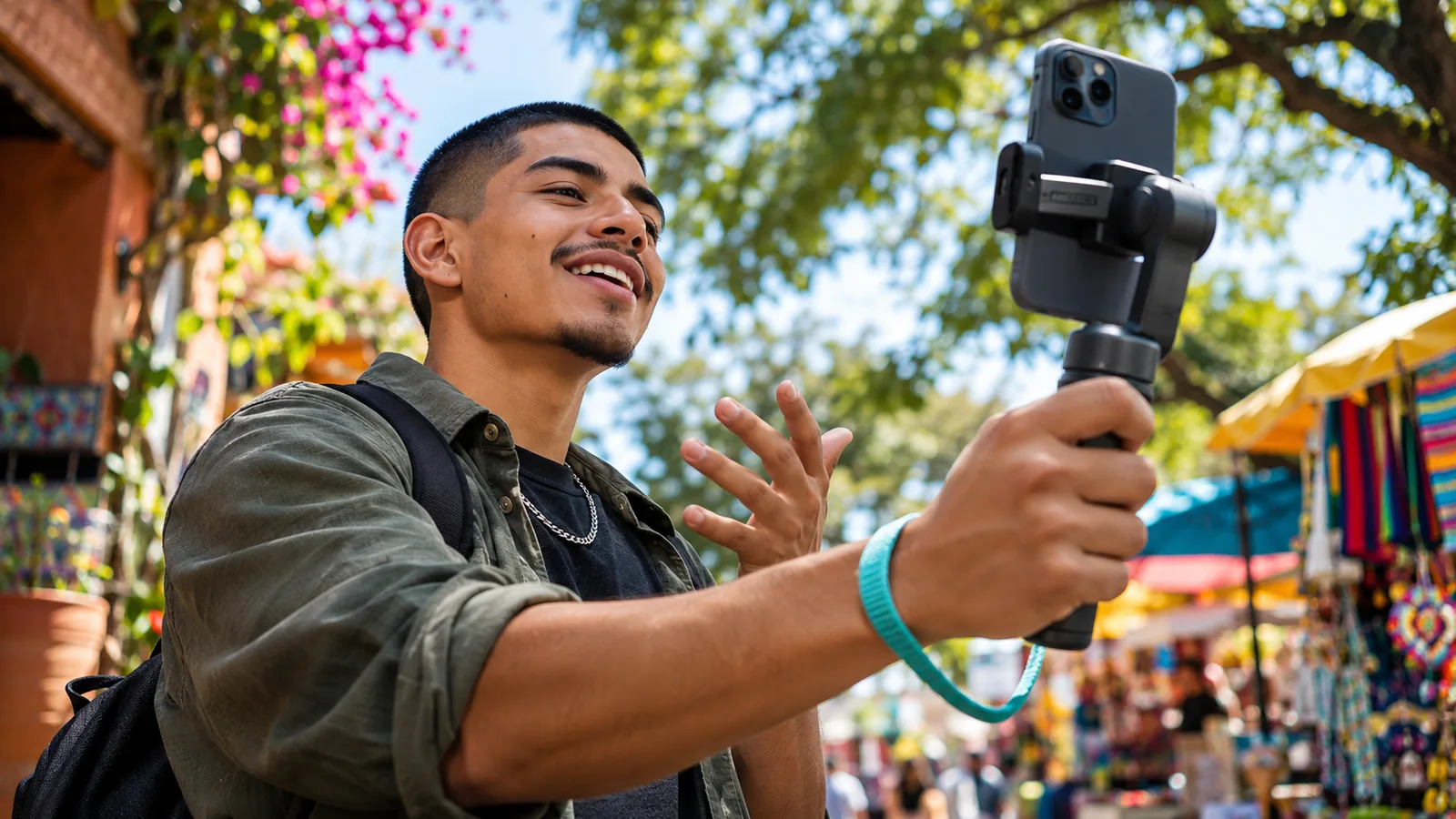
Vertical phone-video creator with a bokeh-style outdoor background

Mobile Social Creators

Polish iPhone or Android footage in your browser before you publish.

Three simple steps

How to Blur the Background of a Video Online

Upload a clip, keep the main person sharp, adjust the blur, and review the result before you export.
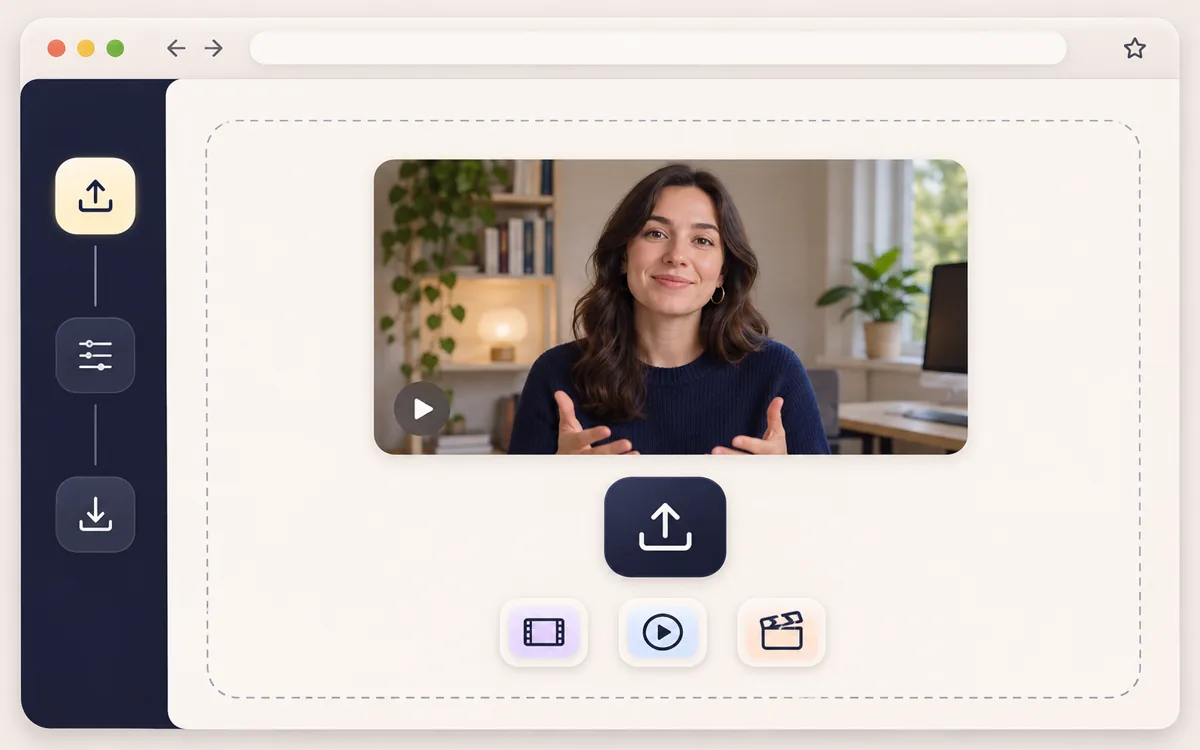
  1. Upload a video to the Blur Video Background tool in Remove BG Video
    1

    Upload Your Video

    Choose an MP4, MOV, or WebM file (up to 100 MB and 10 minutes), then select the section you want to process.
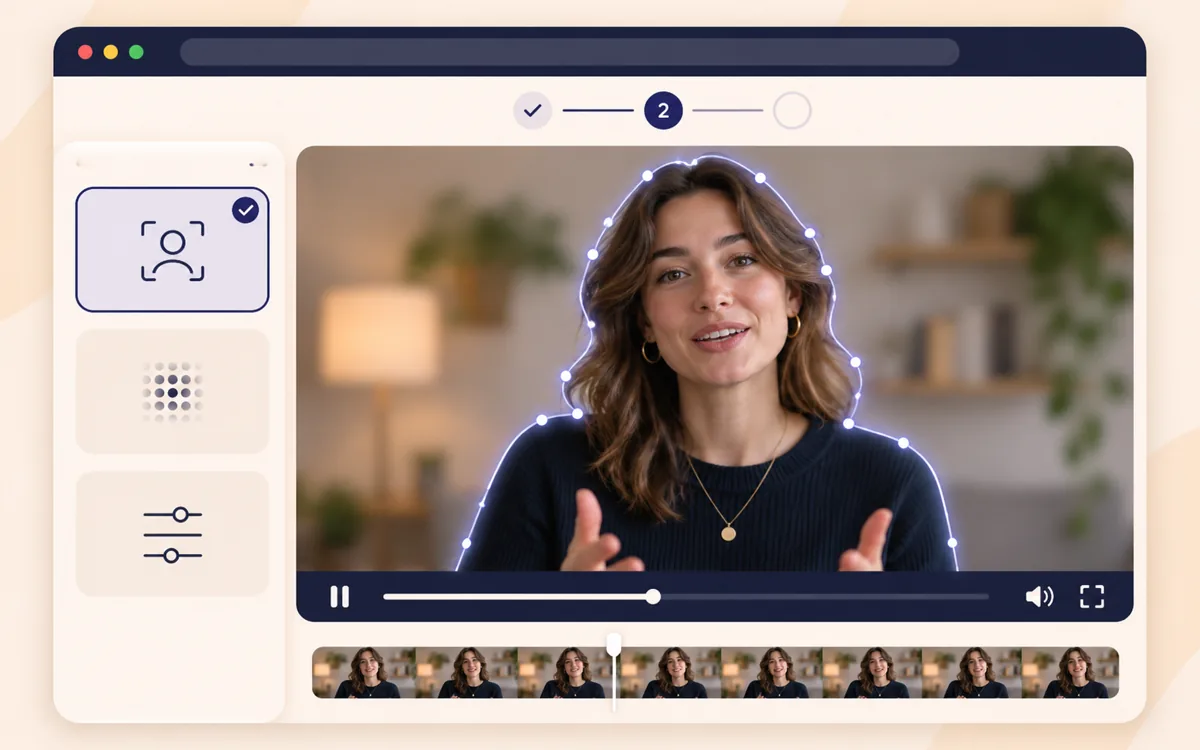
  2. Keep the main subject clear with Blur Video Background in Remove BG Video
    2

    Keep the Main Subject Clear

    Select the Video background option. The tool tracks the main person in the foreground and blurs everything behind them.
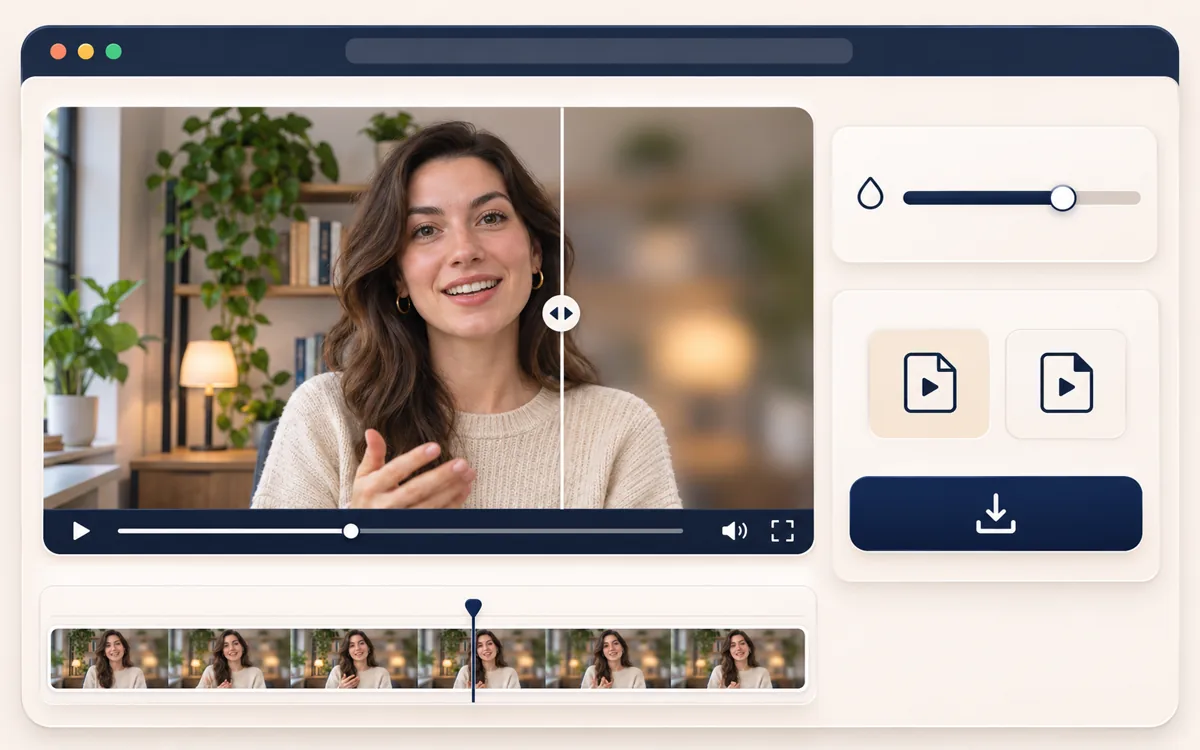
  3. Adjust blur strength and export from Remove BG Video
    3

    Adjust, Preview, and Export

    Change the blur strength, play the processed clip, then download it as WebM or MP4, depending on what your browser supports.

Keep the Subject Sharp Without a Green Screen

Blur is applied only outside the tracked subject, so the speaker stays sharp while the background softens.

Blur Video Background

Presenter in sharp focus with a strong background blur behind their hair and shouldersBackground blurred

Adjust Background Blur Strength Before Export

Use a light blur to keep some context, or a stronger blur when a busy room competes with the subject.

Blur Video Background
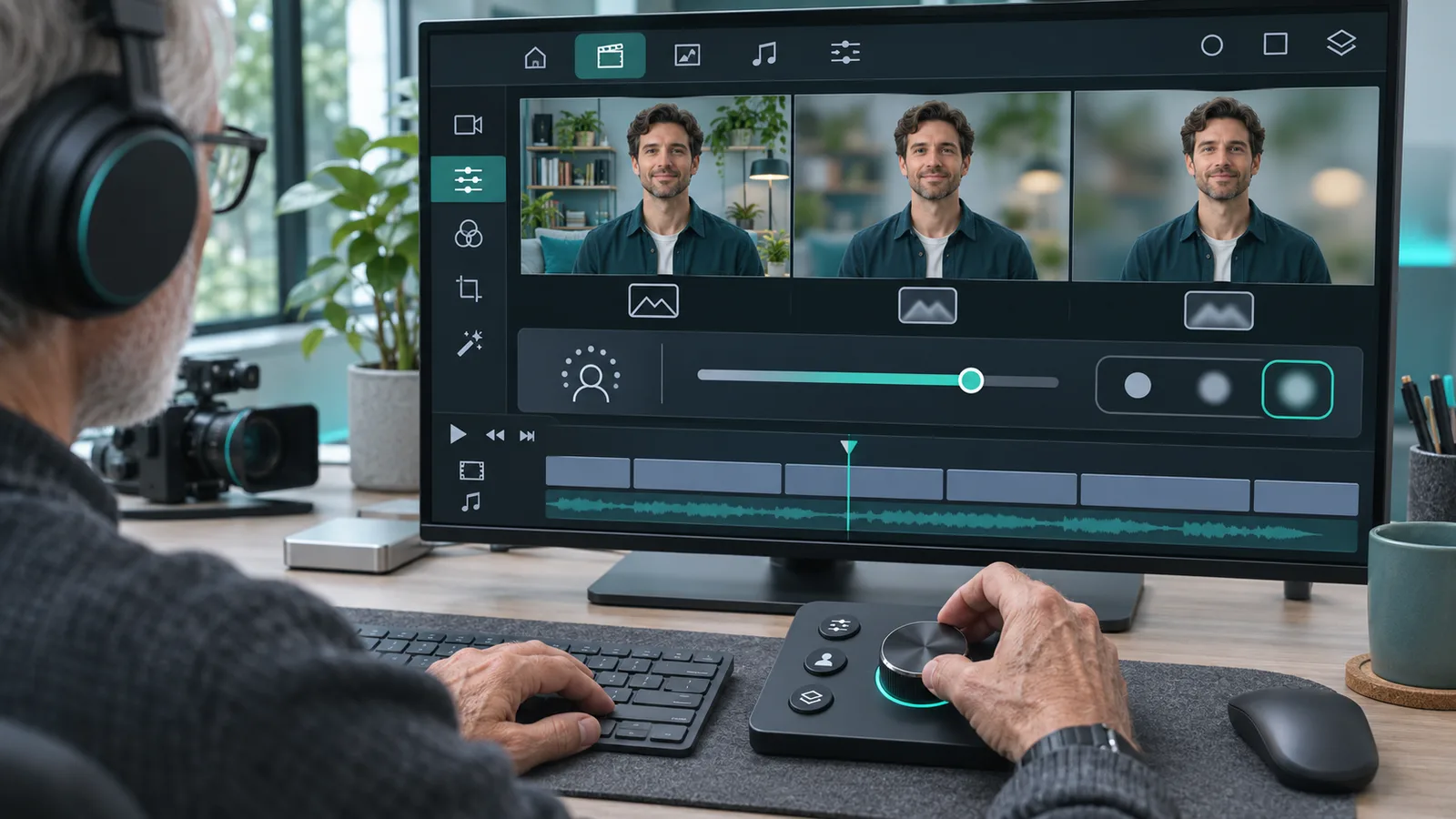
Product presenter separated from a workspace with adjustable background blurBackground blurred

How to Blur Background in Video on iPhone or Android

Open the tool in a current mobile browser, upload a video, and preview the result. There is no app to install.

Blur Video Background
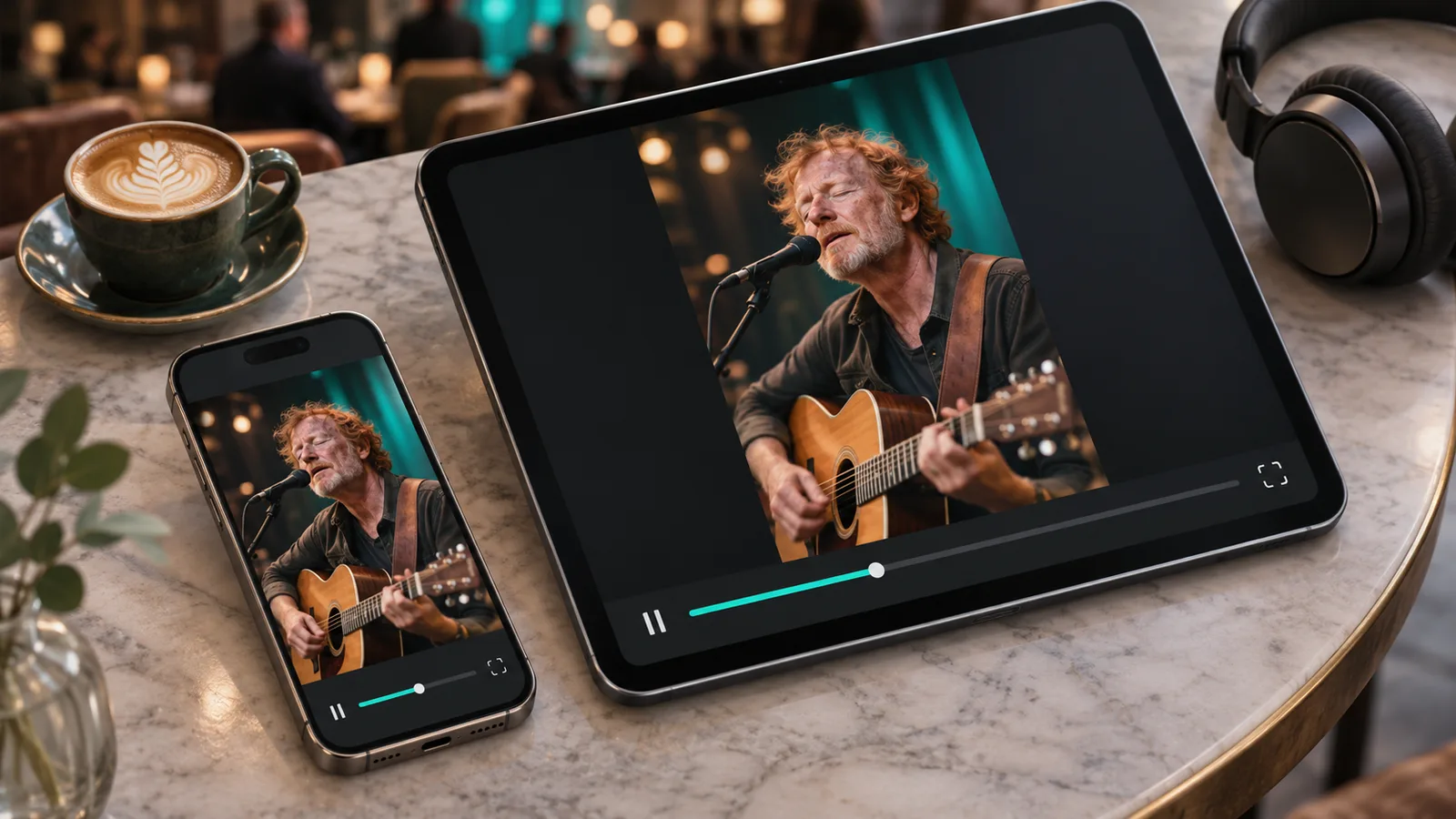
Mobile creator recording a vertical clip with a softly blurred outdoor backgroundBackground blurred

Video Credit Packs

Buy credits once with no subscription or recurring charge. See the exact cost before processing, choose any clip range or the full video, and export a supported WebM, MOV, MP4, or GIF. Larger packs lower your cost per minute.

Pay-as-you-go credits never expire

Starter

$9.99
Best for a few short clips.

≈ 1.4–3.3 min · 1,200 credits

$3–$6.99/min · varies by model

Purchased credits never expire

Included in every pack

Original Fast 7 / Balanced-Fine 10 · Light/Human 6 · Pro 14 credits/second
Exact credit cost shown before processing
Process any clip range or the full video
Upload MP4, MOV, or WebM video
Export WebM, MOV, MP4, or GIF where supported
Four AI modes for general, fast, portrait, or prompt-based work
Reserved credits returned if processing fails
Popular

Creator

$29.99
For regular posts, demos, and tutorials.

≈ 7.1–16.7 min · 6,000 credits

$1.8–$4.2/min · varies by model

Purchased credits never expire

Included in every pack

Original Fast 7 / Balanced-Fine 10 · Light/Human 6 · Pro 14 credits/second
Exact credit cost shown before processing
Process any clip range or the full video
Upload MP4, MOV, or WebM video
Export WebM, MOV, MP4, or GIF where supported
Four AI modes for general, fast, portrait, or prompt-based work
Reserved credits returned if processing fails

Pro

$79.99
For campaigns, client work, and larger batches.

≈ 21.4–50 min · 18,000 credits

$1.6–$3.73/min · varies by model

Purchased credits never expire

Included in every pack

Original Fast 7 / Balanced-Fine 10 · Light/Human 6 · Pro 14 credits/second
Exact credit cost shown before processing
Process any clip range or the full video
Upload MP4, MOV, or WebM video
Export WebM, MOV, MP4, or GIF where supported
Four AI modes for general, fast, portrait, or prompt-based work
Reserved credits returned if processing fails

Tools

Explore More Tools

View all tools
AI Video Blur: Blur faces, license plates, backgrounds, and moving objectsAI Video BlurBlur faces, license plates, backgrounds, and moving objectsBlur Face in Video: Automatically track and blur every face or one specific personBlur Face in VideoAutomatically track and blur every face or one specific personBlur Part of Video: Track and blur one specific face, plate, text area, label, or objectBlur Part of VideoTrack and blur one specific face, plate, text area, label, or objectPixelate Video: Track and pixelate faces, plates, screens, labels, and moving objectsPixelate VideoTrack and pixelate faces, plates, screens, labels, and moving objects
Straight answers

Video Background Blur FAQ

Answers about automatic subject tracking, free previews, mobile use, exports, and realistic limits.

Upload an MP4, MOV, or WebM, choose the clip range, and start the preview. The tool tracks the main person in the foreground and blurs everything behind them, with no manual mask. Check hair, hands, and moving edges, adjust the blur strength, then export the clip in a format your browser supports.

A blurred video background does not need a green screen. The tool tracks the main person, separates them from the scene, and blurs what is behind them. Good lighting, visible hair and shoulders, and strong contrast give cleaner edges. Play the preview before you export, especially if the subject turns or gestures.

An eligible signed-in free account gets one processed preview of up to five seconds. You can watch it but not download it. Extra jobs, longer clips, and downloads use credits, so this is a free trial preview rather than an unlimited free service.

You do not need a separate app. Open the tool in a current mobile browser on iPhone or Android, choose a video, and select the clip range. You get the same tracking and blur controls as on desktop. A recent browser and a shorter clip help, because browser exports can use a lot of memory.

The auto blur video background effect follows the main person across your clip by updating the subject mask frame by frame. Fast movement, motion blur, objects passing in front, low contrast, or several similar people can make edges less steady. Preview the result first, and pick a clearer section if the outline slips.

Choosing a file only creates a preview in your browser. Your clip is uploaded to our cloud storage and sent to our processing provider, FAL, only after you start a job. We do not promise a fixed automatic deletion period. For sensitive footage, contact support to request deletion of your media.

You can upload MP4, MOV, and WebM files up to 100 MB and 10 minutes. After processing, your browser can export WebM or MP4 if it supports the format. On a phone or slow connection, choose a shorter clip, because larger uploads and downloads need more memory and transfer time.

Blurring a video background uses 14 credits per processed second, based on the clip range you select. The tool shows the exact cost before the job starts, so you can shorten the range first. If a paid job fails, the reserved credits are returned automatically, and you are not charged for an incomplete result.

Blur Your Video Background and Keep the Subject Clear

Upload a clip, let AI track the person in the foreground, and choose how soft the background should look.

Blur Video Background