
Blur Faces in a Moving Video
Hide one or more people in a vlog, event, or public-space clip without softening the rest of the scene.
Upload a clip, describe a face, license plate, text area, or object, and blur part of video online. The effect stays on that target as it moves.
Blur Part of Video tracks one described face, plate, text area, label, document, or object through a selected clip and applies a privacy effect while the rest of the frame stays clear.
Use it when only one moving detail should be hidden: a vehicle plate in road footage, an address on a parcel, a customer name on a screen, a document in a tutorial, or one person in an interview. Describe the visible target, choose blur, pixelate, mosaic, or blackout, and review the tracked result before export.
See how one tracked area stays hidden while the rest of the video stays clear.
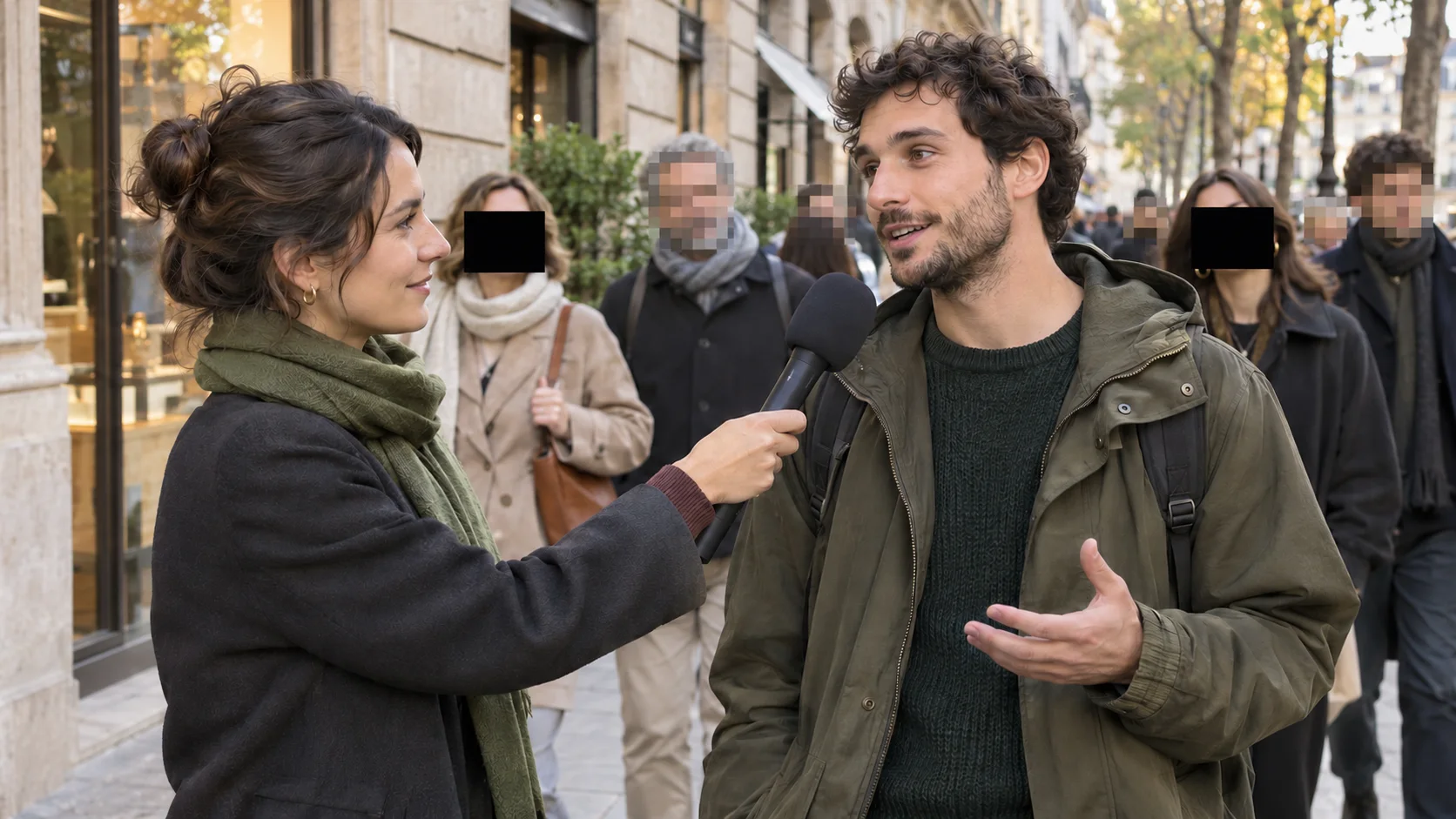
Hide one or more people in a vlog, event, or public-space clip without softening the rest of the scene.
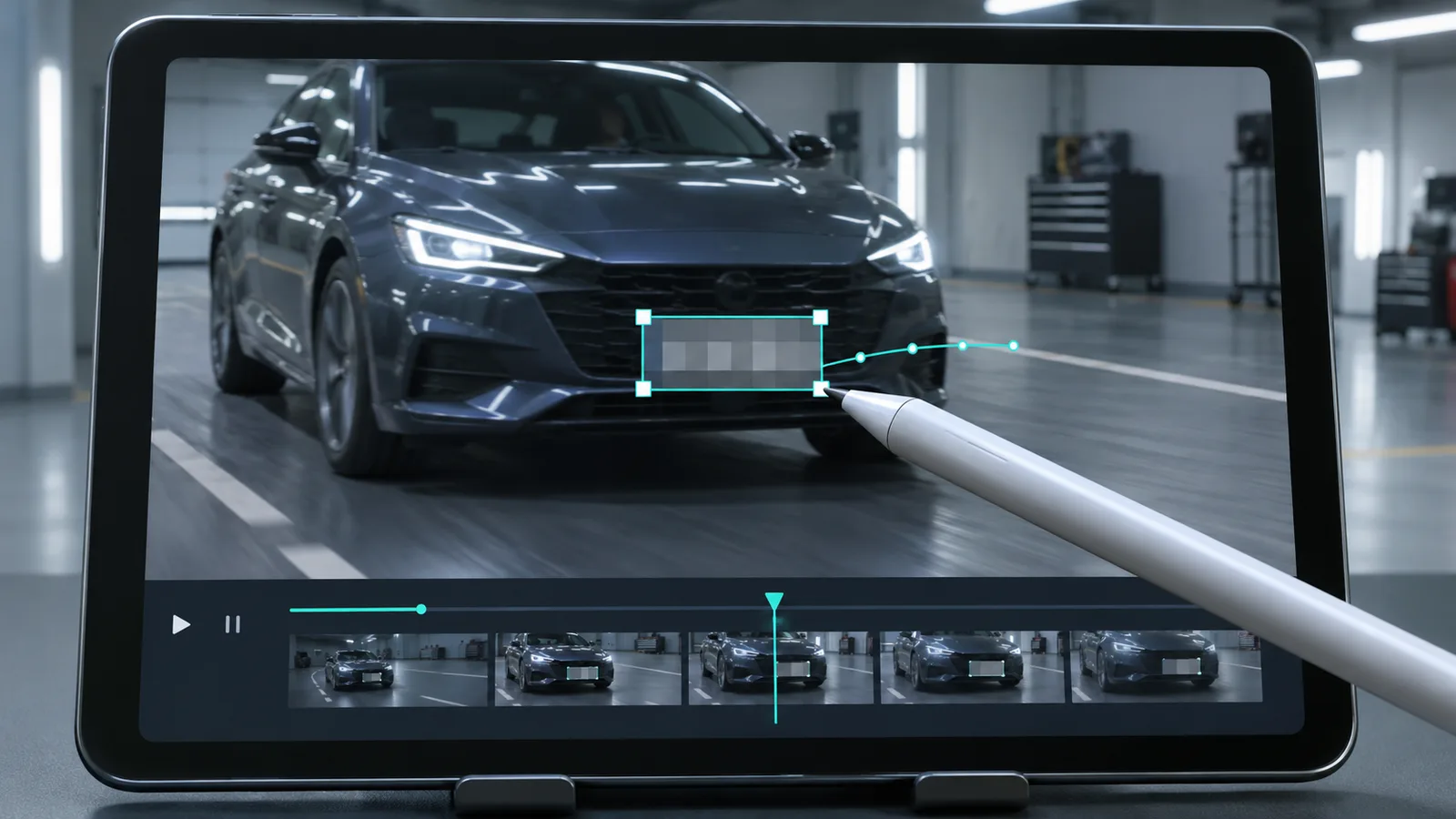
Keep a plate unreadable through road footage while the vehicle changes position and distance.
Cover customer rows, email addresses, usernames, or other private interface details in a tutorial.
Keep a paper, badge, or shipping label private without losing the people, audio, and context around it.
A fixed blur box slips off as soon as the camera or target moves. Describe the part you need to hide, let the tracker follow it, and inspect the selected range before export.
Describe a visible person, plate, screen detail, document, label, logo, or object instead of blurring the full frame.
Keep the privacy effect attached as the object moves, the camera pans, or its size changes.
Use soft blur, visible pixelation, mosaic, or a solid cover depending on how clearly the target must be hidden.
Process the full clip or isolate the moment when private information appears on screen.
Play the processed preview and check fast movement, objects crossing the target, and moments when it leaves and re-enters the frame before you export.
Check the selected duration and credit total before a paid processing job starts.
Keep the story, setting, and useful detail in your video while hiding the one area that contains private information.
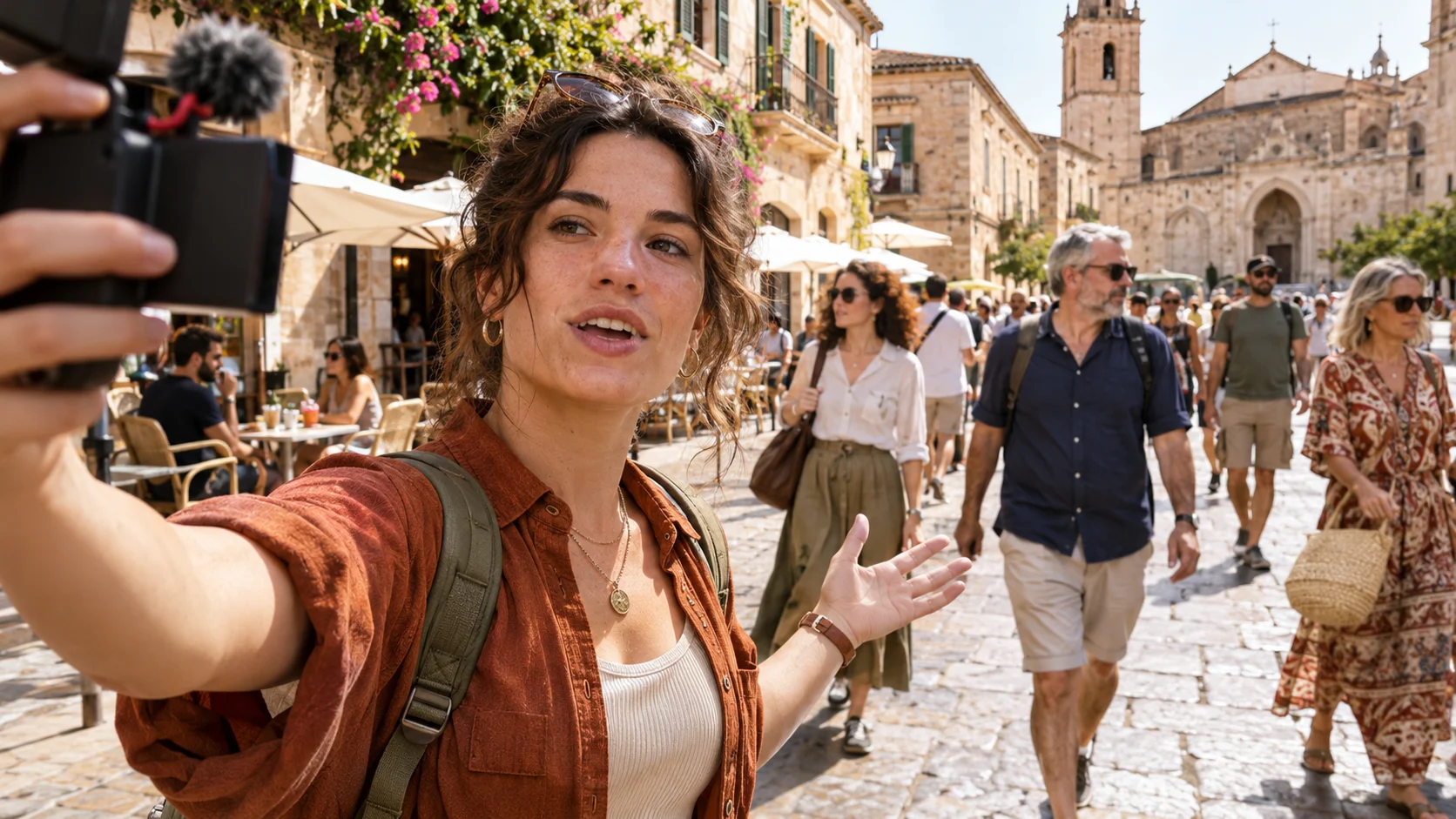
Protect an unrelated bystander in travel, fitness, event, and street footage without blurring the creator.
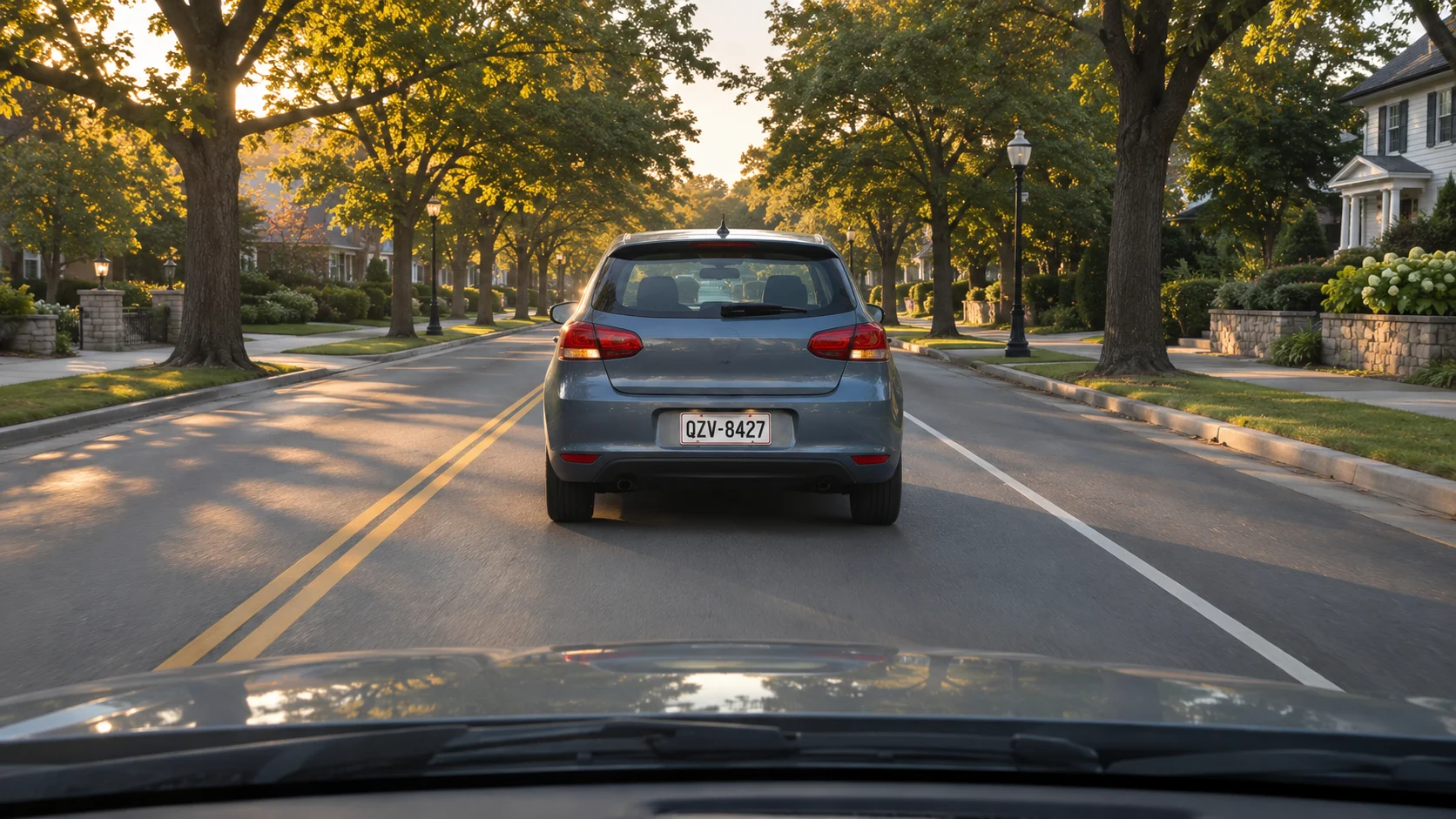
Hide a moving plate, house number, or identifying sticker before sharing driving footage.
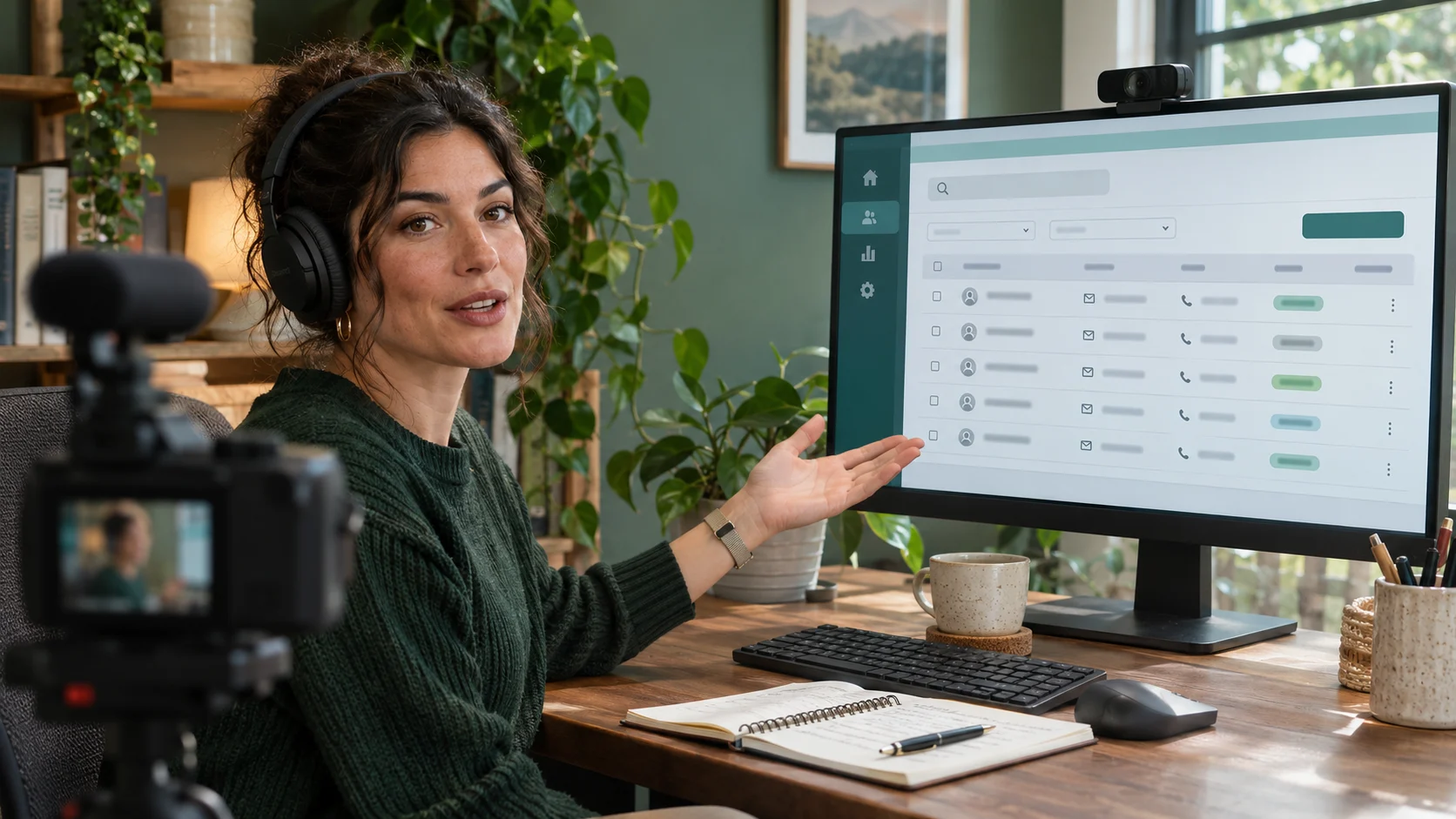
Blur text, usernames, emails, account rows, or notifications while keeping the instructions easy to follow.
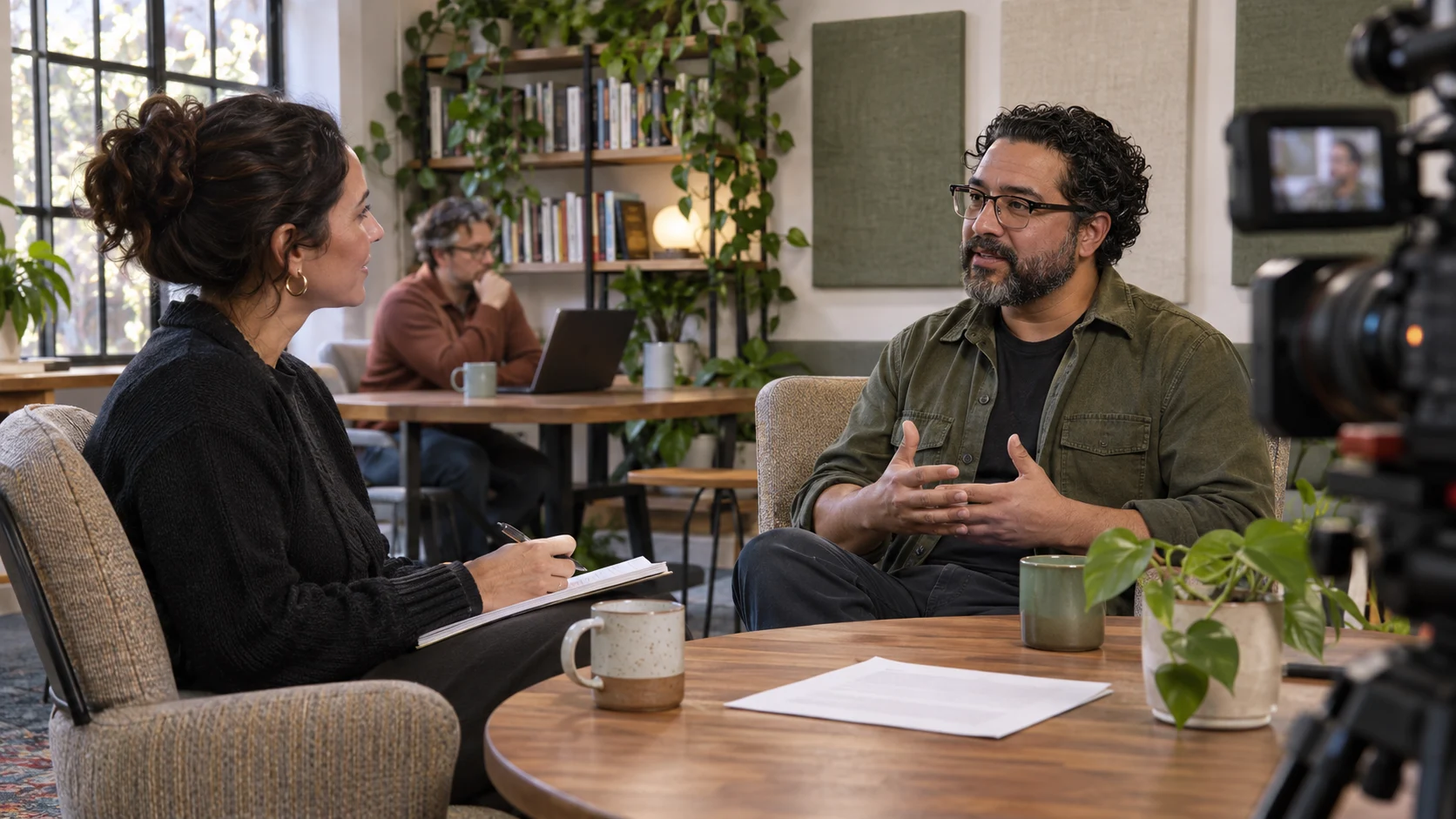
Hide one source, document, badge, or background detail while keeping the rest of the interview clear.
Upload a clip, describe the specific area or object, then review the tracked blur before you download.
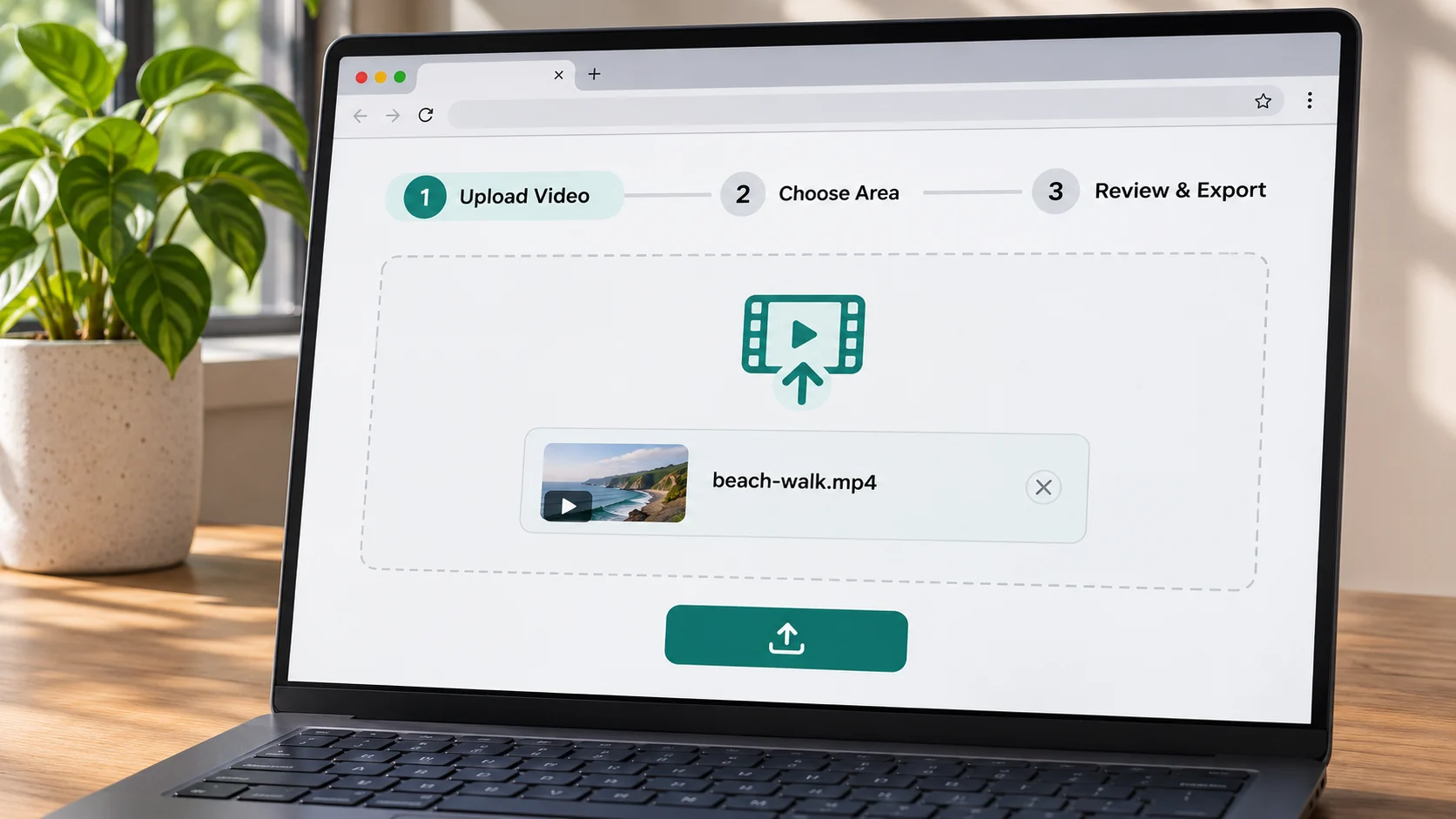
Add an MP4, MOV, or WebM up to 100 MB and 10 minutes, then select the exact timeline range you want to process.
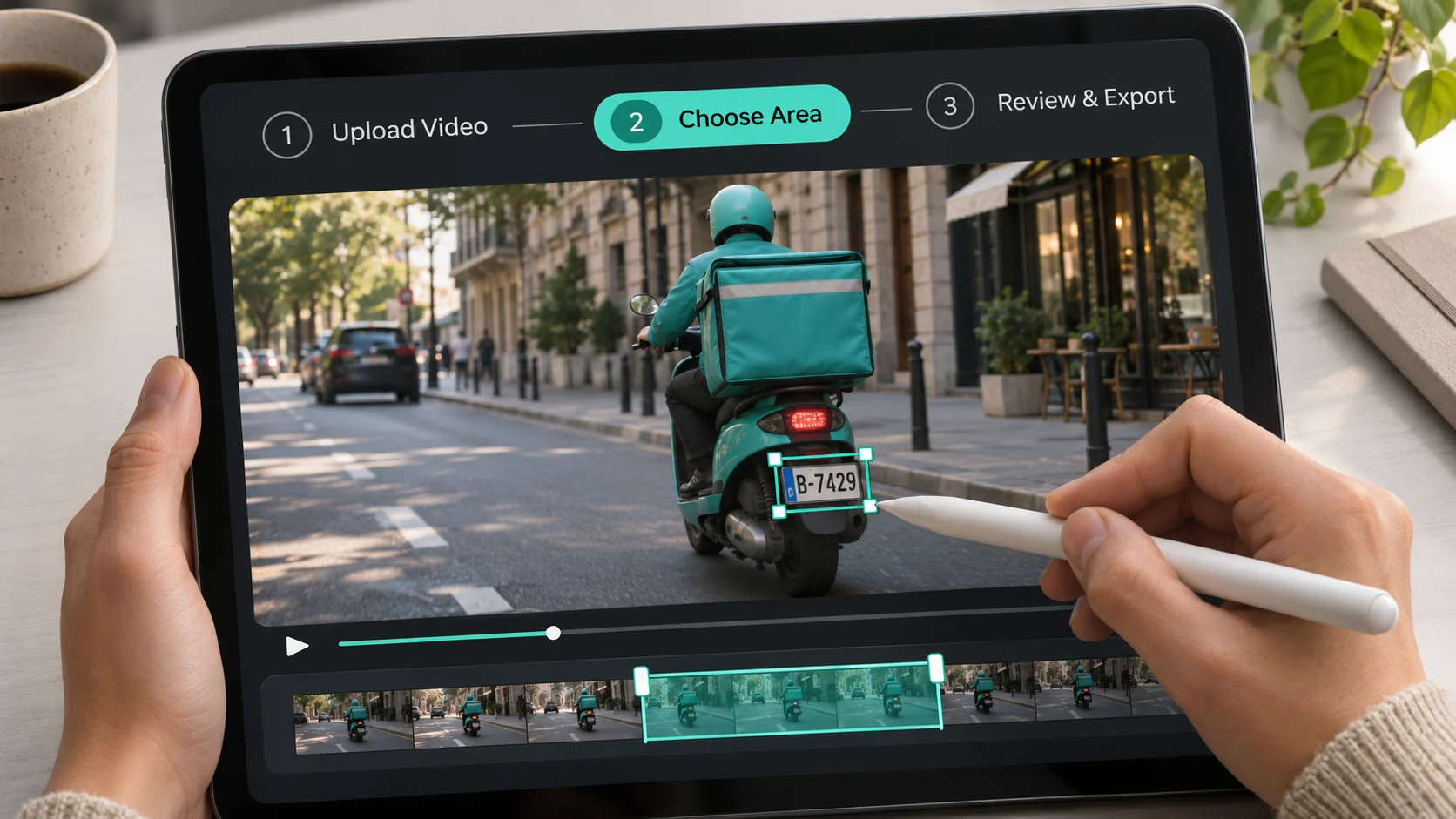
Use a short visual phrase such as “the front plate on the gray car” so the tracker can isolate the right target.
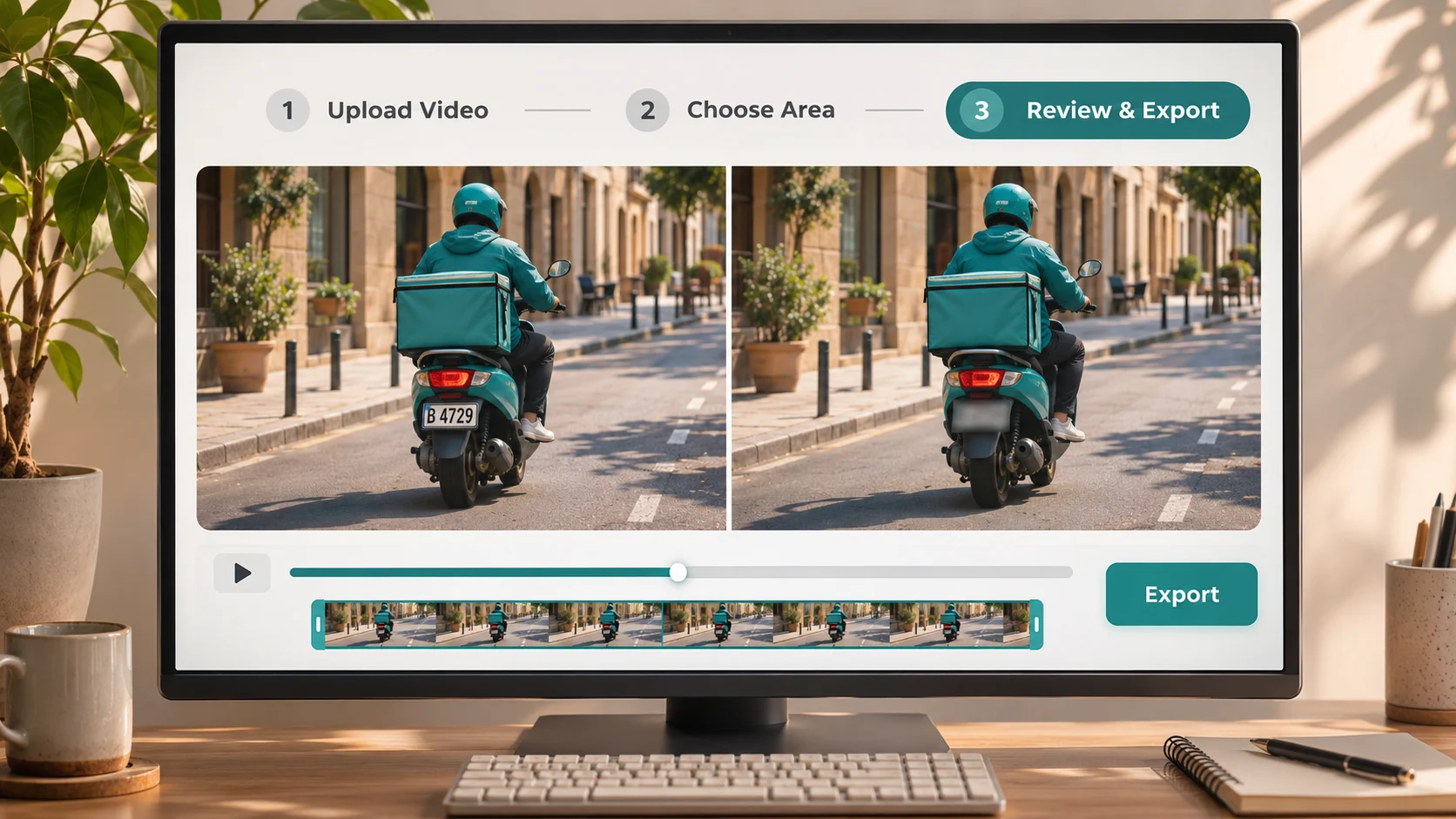
Play the result, adjust the effect or strength, and download a WebM or MP4 when the selected part stays covered.
Describe what you see, such as a plate, person, label, or document. Tracking starts right away, with no layers or keyframes to set up.
Try Blur Part of VideoKeep faces, products, scenery, and instructions sharp while one sensitive area stays hidden through the selected clip.
Try Blur Part of VideoPlay the full selected range, compare the original with the result, and export only after the target stays covered during motion.
Try Blur Part of VideoBuy credits once with no subscription or recurring charge. See the exact cost before processing, choose any clip range or the full video, and export a supported WebM, MOV, MP4, or GIF. Larger packs lower your cost per minute.
Pay-as-you-go credits never expire
≈ 1.4–3.3 min · 1,200 credits
$3–$6.99/min · varies by model
Included in every pack
≈ 7.1–16.7 min · 6,000 credits
$1.8–$4.2/min · varies by model
Included in every pack
≈ 21.4–50 min · 18,000 credits
$1.6–$3.73/min · varies by model
Included in every pack
Tools
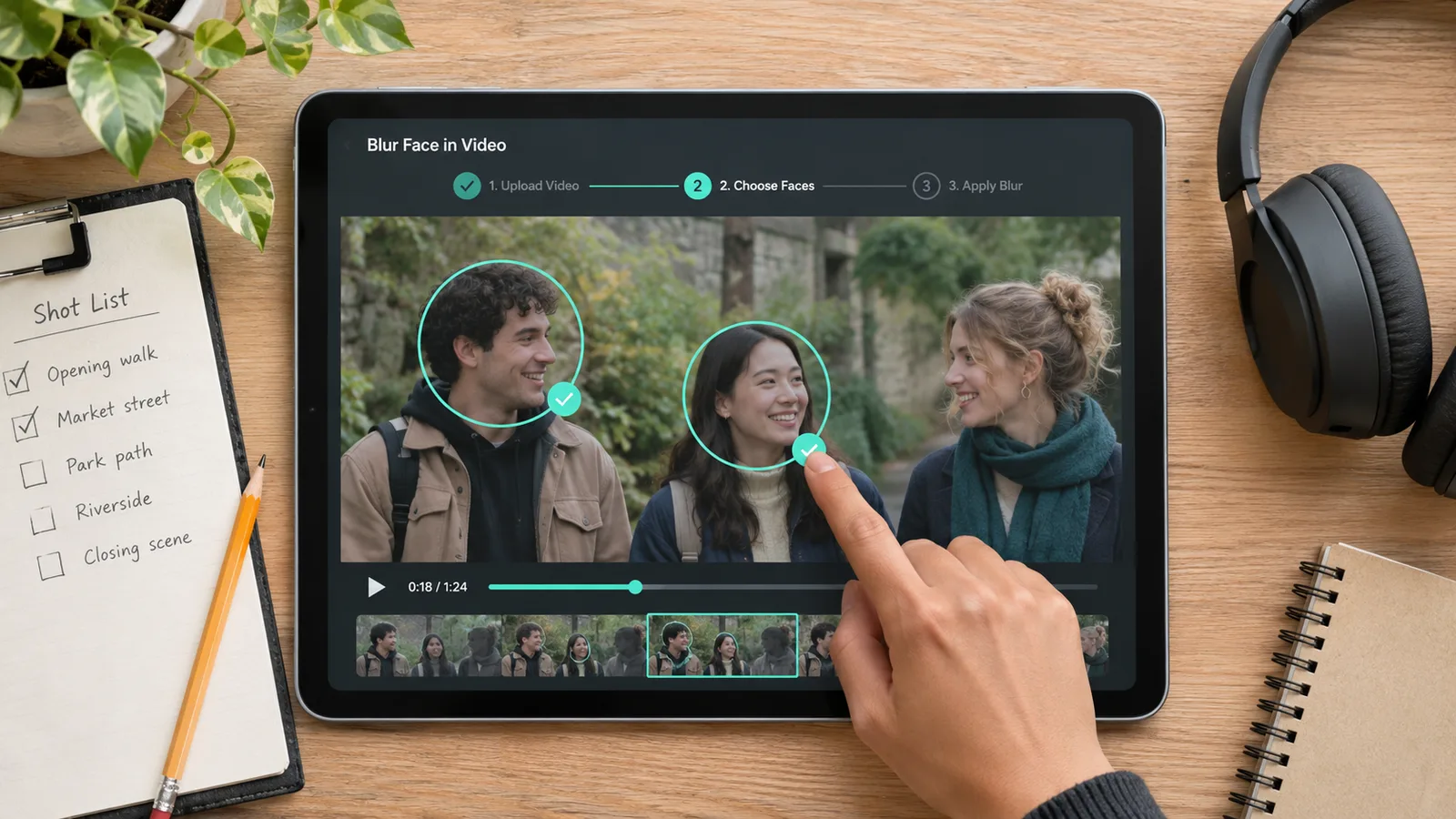 Blur Face in VideoAutomatically track and blur every face or one specific person
 Pixelate VideoTrack and pixelate faces, plates, screens, labels, and moving objects
 Censor VideoTrack and censor faces, plates, screens, labels, and moving objects
 AI Video BlurBlur faces, license plates, backgrounds, and moving objects
Answers about moving targets, multiple areas, text and plate privacy, cloud processing, free previews, export access, and mobile browsers.
A signed-in account gets one free processed preview of up to 5 seconds, which lets you test the tracking. Full processing and downloads use credits at 14 credits per processed second. The cost appears before a paid job starts. Downloads do not carry a site watermark.
Upload your clip, describe the part that should be hidden, and check the automatic tracking before you export.
Blur Part of Video Now